
Account Already Linked to a Different User
When you try to connect an Instagram account that is already connected to a different LinktoDM account, you'll see the error "Instagram account already linked to a different user." An Instagram professional account can be linked to only one LinktoDM account at a time, so it must first be released from the other account before you can add it to yours.
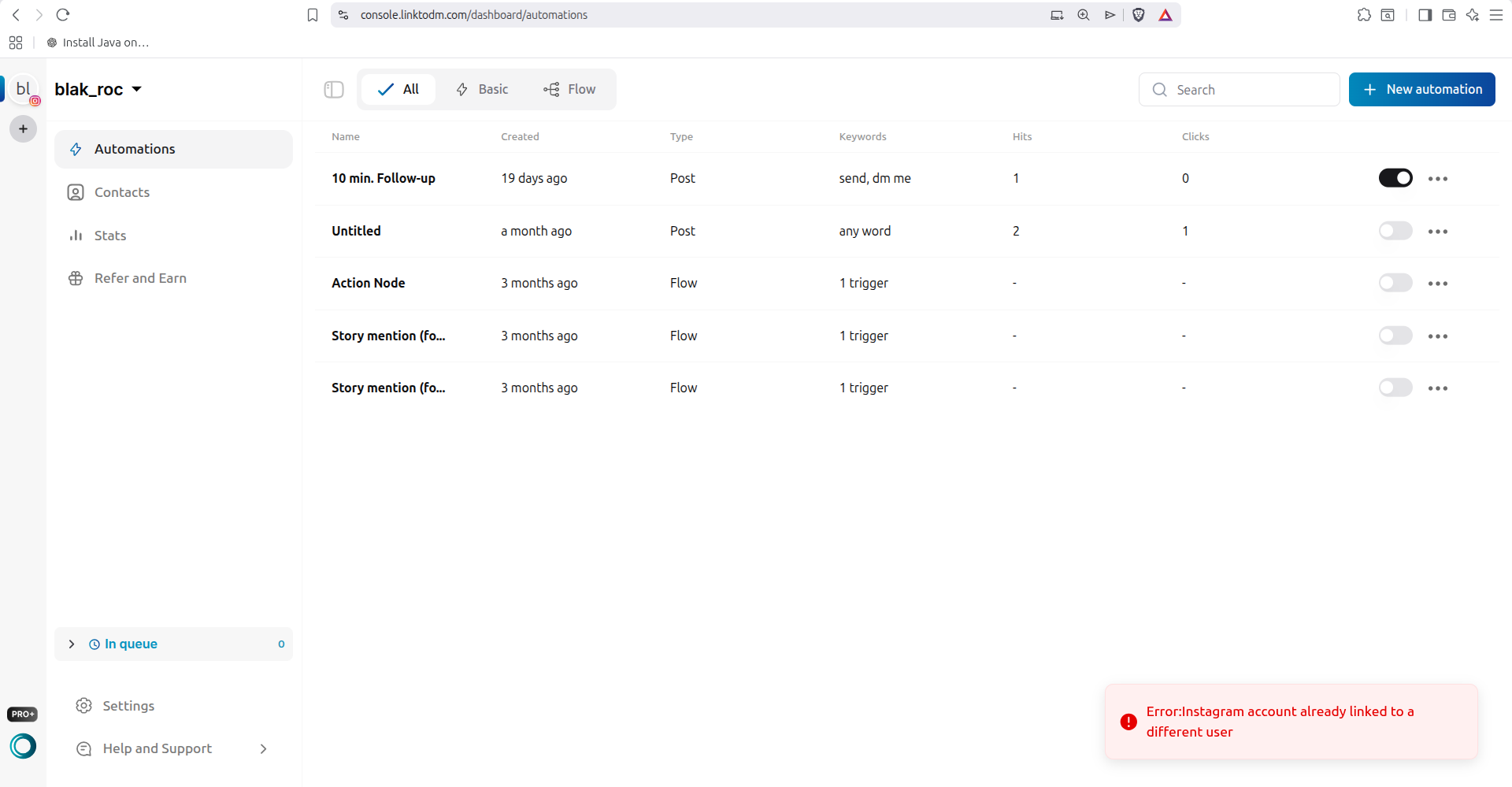
Why this happens
Each Instagram account can be connected to only one LinktoDM account. If the account was previously added to another LinktoDM login — an old account of yours or a teammate's — Instagram keeps that link until the account is removed there.
How to fix it
- Log out of the LinktoDM account you're currently using.
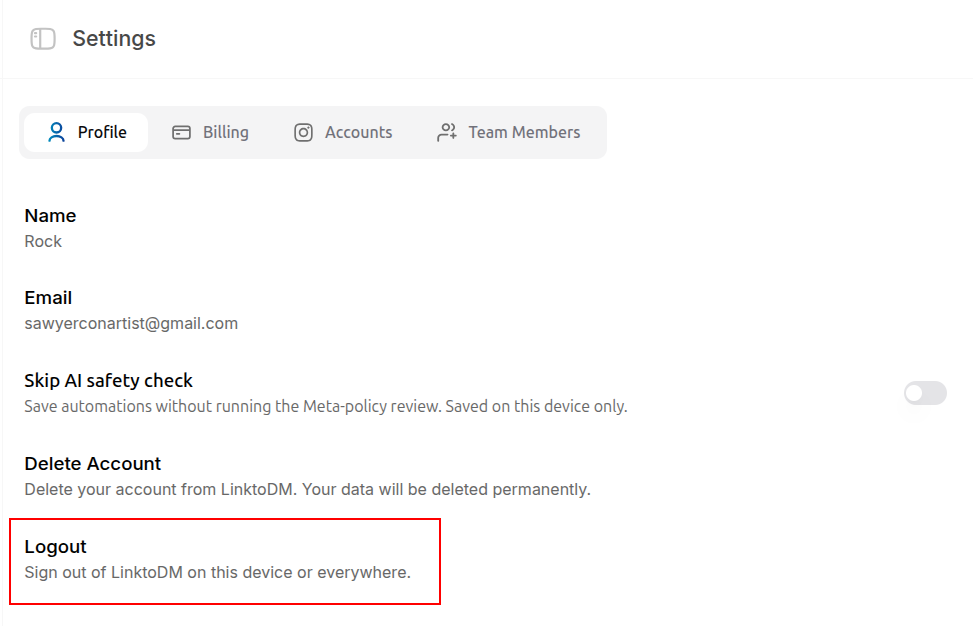
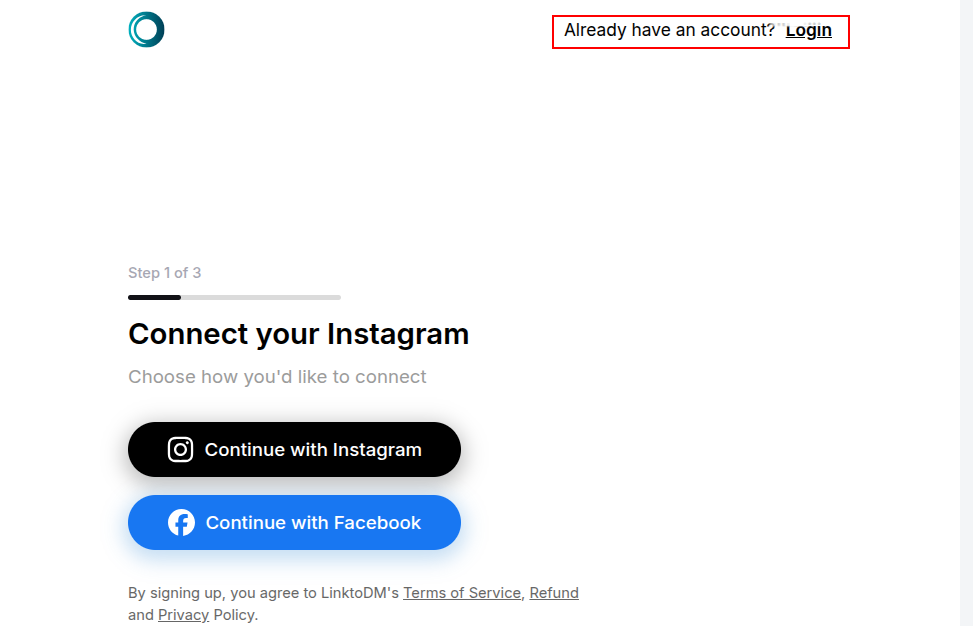
- Log in to the LinktoDM account that the Instagram account is already connected to.
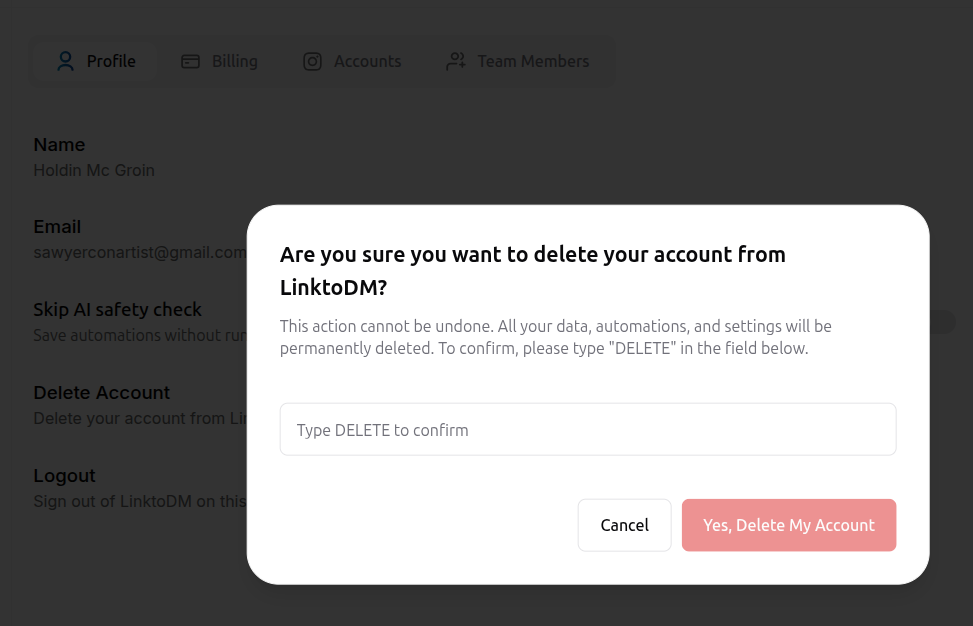
- Delete that account so the Instagram link is released. How to delete your account
- Log back in to your original LinktoDM account.
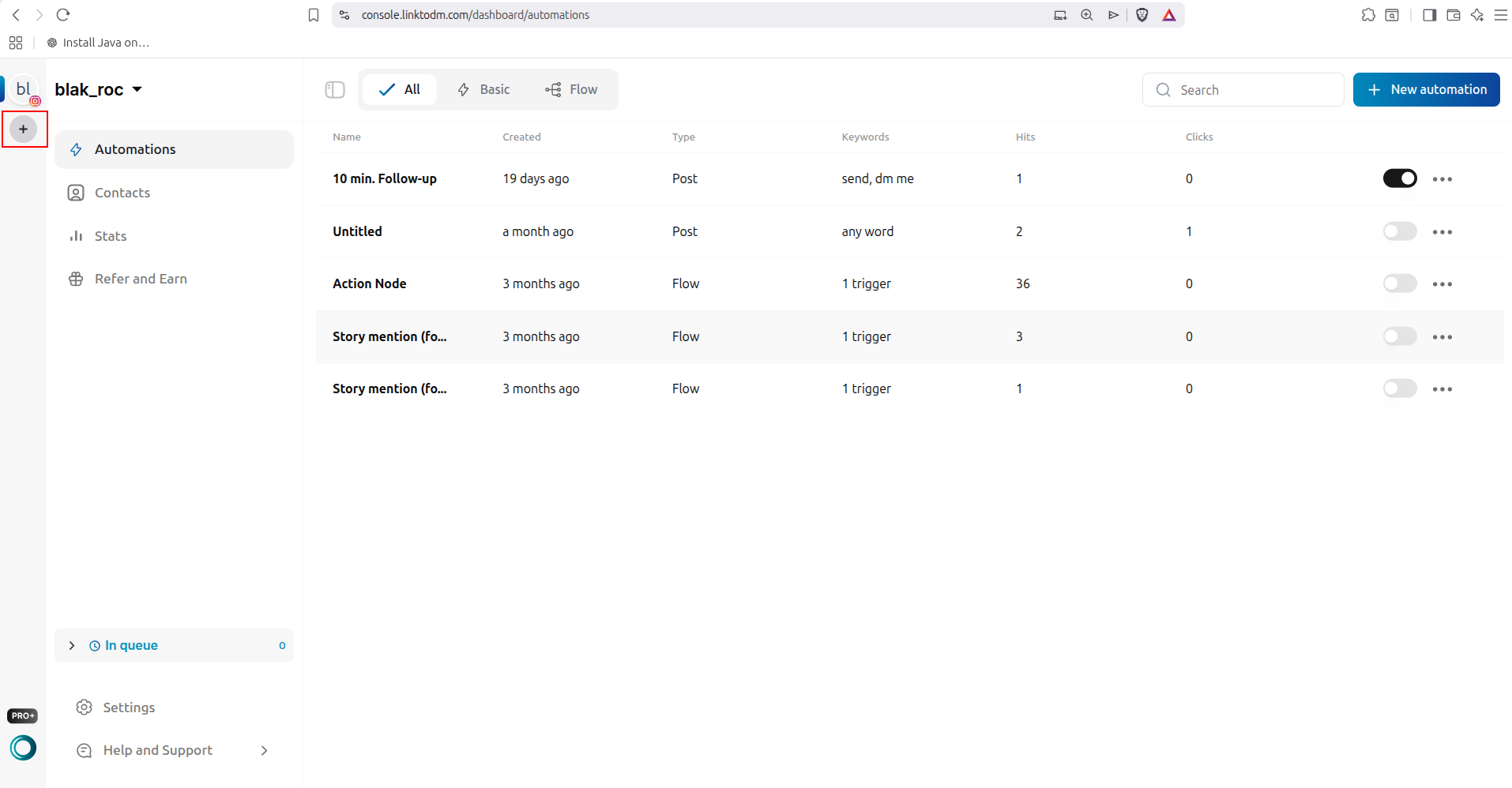
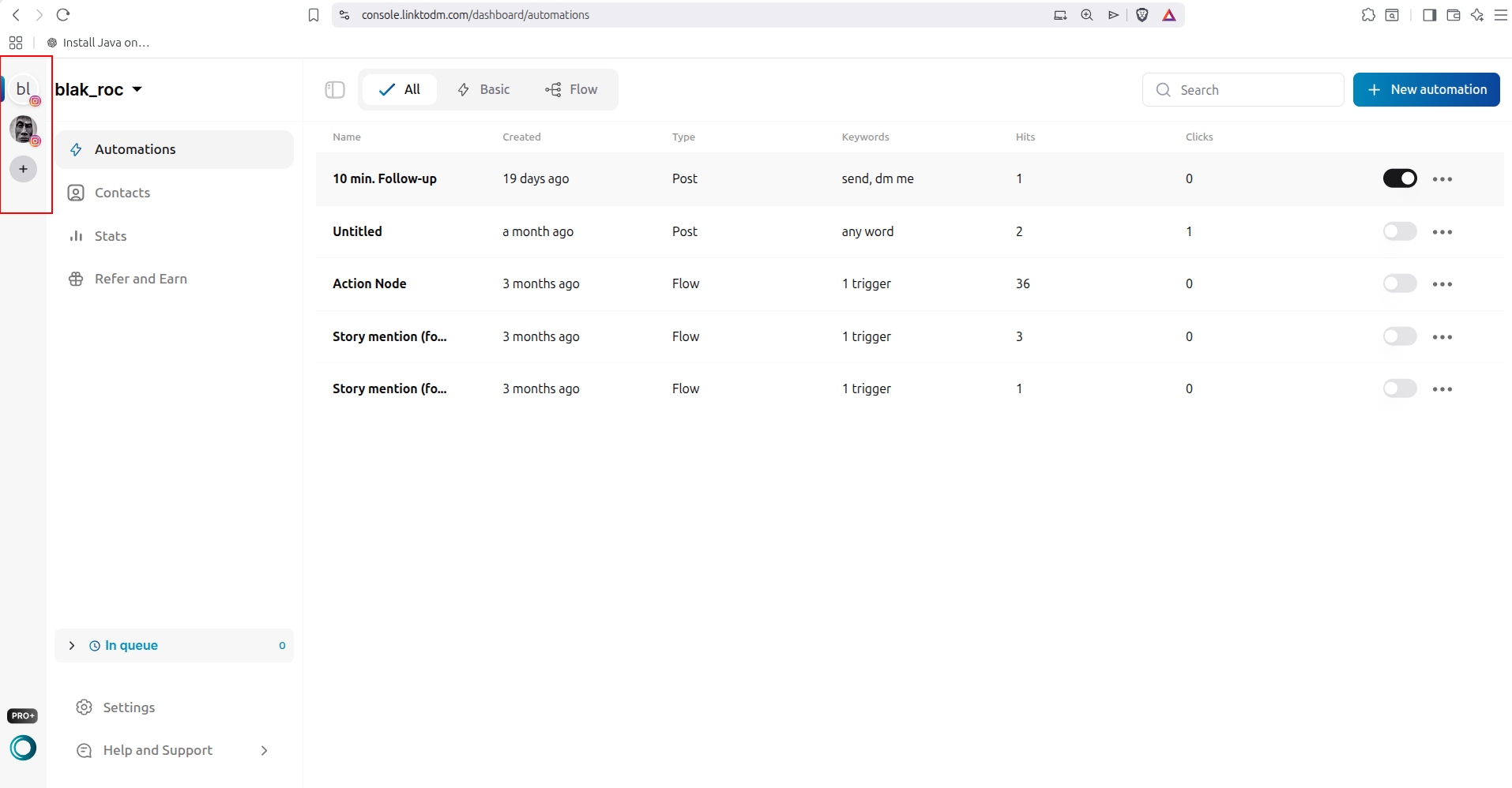
- Add the Instagram account again — it will now connect successfully.
Note
Deleting an account is irreversible and removes all of its automations and data. Only delete the account that you no longer need.
Still need help?
If the error continues after following these steps, contact our support team at hello@linktodm.com and we'll help release the link.