


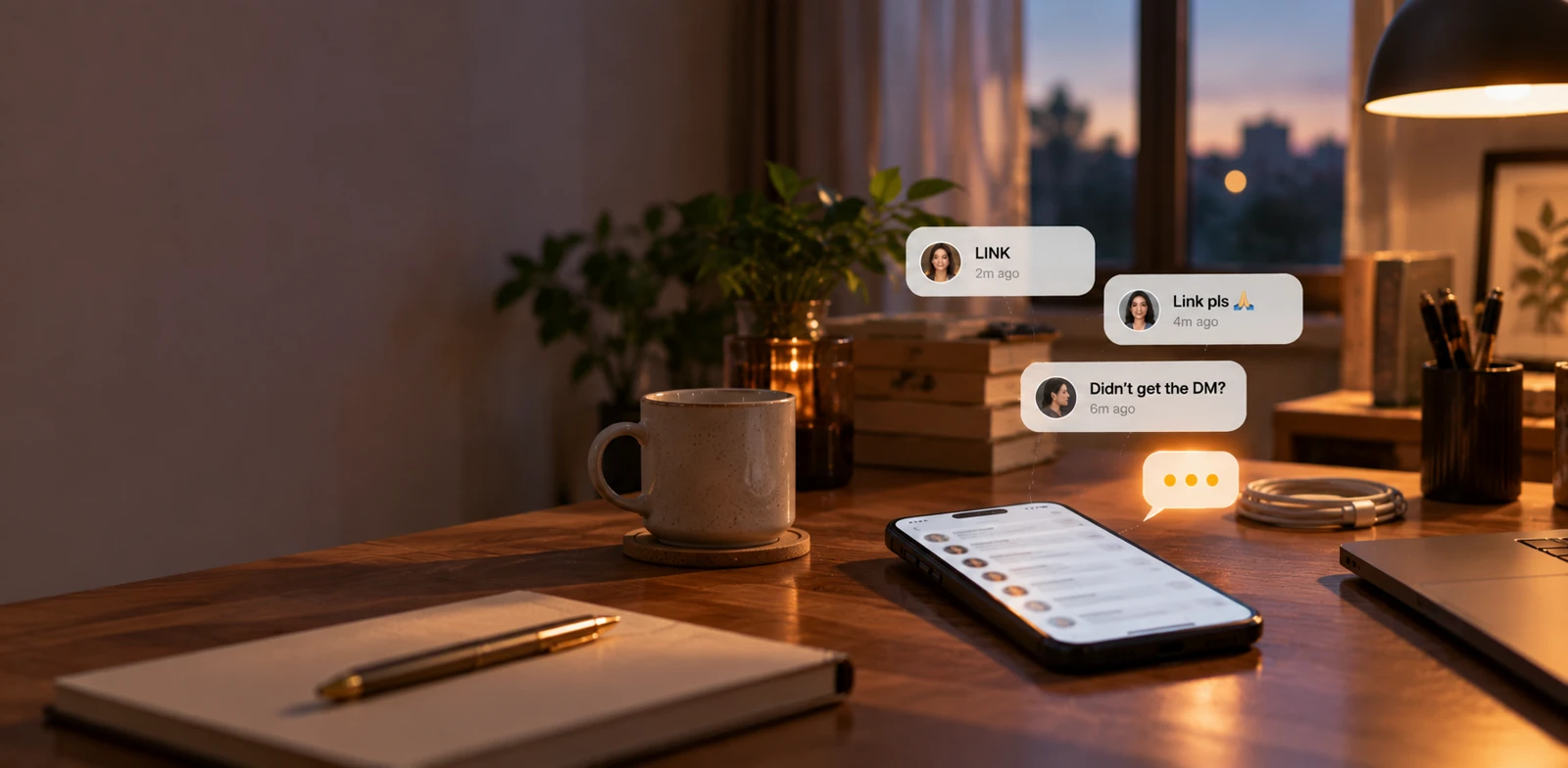
It always happens at the worst moment.
The reel is doing numbers.
The comments say "LINK".
Nobody's getting a DM.
Your dashboard looks fine. The automation is switched on. So what broke?
When Instagram DM automation is not working, the problem is rarely the automation itself. It's usually something between your tool and Meta: a permission that got dropped, a rate limit, a temporary block, a comment that's too old, or another app holding your conversations.
The good news: each one has a clear symptom. Match what you're seeing below, and most fixes take a few minutes.
First, the 60-Second Checks
Before you reconnect anything, rule out the four things that cause most "it's broken" moments:
- Are you testing from the connected account? Instagram won't DM you about your own comment. Test from a second account, or ask a friend.
- Is the automation published and switched on? A draft or a switched-off automation doesn't fire.
- Is it watching the right post? Open the automation and check the selected post or reel.
- Does the comment match the trigger? A keyword automation for "LINK" ignores "send it pls". If people word things differently, try Intent Match.
Still broken? Find your symptom.
1. It Worked for Weeks, Then Stopped Completely
What you see: automations that ran fine suddenly send nothing at all. No public replies, no DMs.
Why it happens: the permission Meta gave your tool is no longer valid. A password change, someone removing the app from your settings, or a change in Page roles can all do it. In Meta's error logs this usually shows up as an OAuth error (code 190).
The fix: reset the permission and reconnect.
- In Instagram, go to Settings and activity → App website permissions → Apps and websites.
- On the Active tab, select LinktoDM, tap View and edit, then Remove.
- Log out of LinktoDM, log back in, and reconnect through Instagram or Facebook login.
- When Meta asks for permissions, keep every box checked.
Full walkthrough with screenshots: fix Instagram automation not working.
2. The Public Reply Posts, but the DM Never Arrives
What you see: the comment gets a reply underneath it, but no DM shows up. Sometimes you see "the action is invalid since it's not the thread owner".
Why it happens: Instagram lets one app at a time handle the DMs on your account. If another tool (ManyChat or a trial you forgot about) is still connected, it keeps your conversations. Your automation can post the public reply, which doesn't need ownership, but the DM fails.
The fix: remove the other app, don't just pause it. Remove it from Instagram's Apps and websites list and, if you use a Facebook Page, from Meta Business Suite's Connected apps. Wait 2–3 minutes and test again. Step-by-step fix for another app controlling your conversations.
Two other causes look the same:
- Message access is off. In Instagram, open your message settings and turn on Allow access to messages for connected tools.
- Ask to Follow is on. If the person doesn't follow you, they get the follow prompt instead of the DM. That's the gate working, not a bug.
3. "Your Instagram Account Is Ineligible for Instagram Messaging API"
What you see: this error while connecting through Facebook login.
Why it happens: Meta doesn't think your account is set up for messaging yet.
The fix: switch the account to a Business professional account, link it to a Facebook Page you manage, add both to Meta Business Manager, and turn on Allow access to messages. Changes can take 30 minutes to a few hours to reach Meta's systems. Or skip the Page entirely and connect with Instagram login. Full Messaging API checklist.
4. DMs Slow Down or Stall When a Post Goes Viral
What you see: morning comments got DMs instantly, but the viral reel's comments are taking minutes, or seem stuck.
Why it happens: Meta caps how fast any account can send. DMs that answer comments are limited to 750 per hour per account, on every tool. Push past that and Instagram returns throttling errors (codes like 80002 or 613).
The fix: usually, nothing. LinktoDM's smart queue holds the extra messages and releases them as the limit allows, slowing down automatically when Instagram pushes back. Slower is the safe outcome, not the failure. Every message still goes out.
Click In queue in the console sidebar to watch it. A falling count means the spike is draining. A count climbing on a quiet account means something's off. Check the queue isn't paused first.
To keep the backlog smaller next time, tighten your keywords so fewer comments qualify, and don't run several automations on posts that are live at the same time.
5. New Comments Work, Old Ones Don't
What you see: fresh comments get a DM, but comments from last week, or a follow-up you scheduled for "tomorrow", never arrive.
Why it happens: two Meta time limits.
- Comments older than 7 days can't get a private reply DM.
- Messages more than 24 hours after someone's last interaction can't be sent. A follow-up scheduled for day two simply won't deliver.
The fix: for comments you missed in the last 7 days, use Backtrack. It runs your automation over the comments already on the post and replies to the ones that match. Run it soon, because the 7-day edge doesn't move. For follow-ups, keep every delay inside 24 hours.
6. Everything Stops and Meta Mentions a Temporary Block
What you see: sending stops across all automations, sometimes with a message about a temporary block or policy (often code 368).
Why it happens: Meta saw something it didn't like: the same message sent hundreds of times, misleading claims, risky offers, or aggressive blasting.
The fix:
- Pause your automations and stop retrying. Retrying into a block makes it worse.
- Rewrite the copy. Cut repeated lines and exaggerated claims, and add message variations so people don't all get the same text.
- Run a safety check. In your Automations list, open the ··· menu and choose Run safety check. LinktoDM's AI scans your keywords, replies and DMs against Meta's policies and flags risky wording, with suggested fixes.
- Resume slowly once the block lifts. If Instagram asks you to confirm anything in its own app, do that first.
7. Some People Get Two DMs
What you see: one commenter gets the same DM twice, or different DMs from two automations.
Why it happens: two live automations are watching the same post, and both fire. Or one person commented the keyword more than once.
The fix: keep one automation per post. If different keywords need different DMs, put them in one automation or build them in Flow Builder. Then turn on One DM per user in the trigger settings.
8. Only Some Commenters Get a DM
What you see: the automation works, but not for everyone.
Usually it's one of these:
- Their comment didn't match your keyword.
- One DM per user is on, and they already got one recently.
- They didn't follow you, and Ask to Follow is holding the DM back.
- Their DM is still waiting in the queue during a spike.
To see whether the automation is firing at all, check its Hits column in the Automations list.
Why Some Tools Hit These Walls More Often
Most of the errors above happen when a tool pushes too hard, too fast, with the same message. LinktoDM is built to avoid that:
- Official Instagram API. Meta's own login, never your password.
- Smart queue and automatic throttling. Spikes get delivered late instead of blocked.
- Safety check. Risky copy gets flagged before it goes out.
- Message variations and AI replies. No wall of identical messages.
No tool can bypass Meta's limits, and none should claim to. These features just keep you further from them. The safety check and advanced queue controls are on paid plans. See pricing.
When to Contact Support
Fix it yourself first: reconnect, remove other apps, test a fresh comment from a second account, and let the queue drain.
If you've done all that and it still fails, email support@linktodm.com with:
- The post or reel URL
- Roughly when the failure happened
- Which automation type failed (comment-to-DM, story, chat or ad)
- Screenshots of any error message or warning banner
Frequently Asked Questions
Why did my Instagram DM automation stop overnight?
Why does the public reply work but not the DM?
Can LinktoDM bypass Instagram's rate limits?
Can I still reply to comments my automation missed?
Are Meta error codes always the same?
Are password-based automation tools safer when the API fails?
Learn More
- Reset permissions and reconnect →
- Fix "not the thread owner" →
- Meta's rate limits, explained →
- Switching from ManyChat without breaking your DMs →
- See LinktoDM pricing →
Most Fixes Take Five Minutes
When your DMs stop, it feels like everything's broken. Usually it's one setting.
Test from a second account. Reconnect with every permission checked. Remove any other DM app. Let the queue do its job.
→ Try LinktoDM: Instagram DM automation built to stay inside Meta's limits

'%3e%3cpath%20d='M14.8156%200H1.18125C0.528125%200%200%200.515625%200%201.15313V14.8438C0%2015.4813%200.528125%2016%201.18125%2016H14.8156C15.4688%2016%2016%2015.4813%2016%2014.8469V1.15313C16%200.515625%2015.4688%200%2014.8156%200ZM4.74687%2013.6344H2.37188V5.99687H4.74687V13.6344ZM3.55938%204.95625C2.79688%204.95625%202.18125%204.34062%202.18125%203.58125C2.18125%202.82188%202.79688%202.20625%203.55938%202.20625C4.31875%202.20625%204.93437%202.82188%204.93437%203.58125C4.93437%204.3375%204.31875%204.95625%203.55938%204.95625ZM13.6344%2013.6344H11.2625V9.92188C11.2625%209.0375%2011.2469%207.89687%2010.0281%207.89687C8.79375%207.89687%208.60625%208.8625%208.60625%209.85938V13.6344H6.2375V5.99687H8.5125V7.04063H8.54375C8.85938%206.44063%209.63438%205.80625%2010.7875%205.80625C13.1906%205.80625%2013.6344%207.3875%2013.6344%209.44375V13.6344Z'%20fill='%23B1B1B1'/%3e%3c/g%3e%3cdefs%3e%3cclipPath%20id='clip0_6304_15414'%3e%3crect%20width='16'%20height='16'%20fill='white'/%3e%3c/clipPath%3e%3c/defs%3e%3c/svg%3e)
