




Social media automation has quickly become a game changer for businesses looking to connect with their audience at scale. Nearly 80 percent of marketers say automation tools save them significant time and effort. Setting up automated Facebook DMs with LinktoDM puts your brand one step ahead, turning every comment into a chance for real engagement. With the right setup, you can build stronger relationships while your audience grows without constant manual work.
Quick Summary
| Key Point | Explanation |
|---|---|
| 1. Connect Facebook Page to LinktoDM | Start by linking your Facebook Page to LinktoDM for enhanced social media automation capabilities. |
| 2. Create Automated Messaging Workflows | Set up post automation to initiate direct messages, making audience engagement efficient and timely. |
| 3. Personalize Your DM Flows | Craft message templates with personalization tokens to foster genuine interactions during automated conversations. |
| 4. Implement Strategic Follow Ups | Design follow-up messages to add value and nurture leads, ensuring ongoing engagement beyond initial contact. |
| 5. Test Before Activation | Always preview and test your automation setup to confirm that the workflows operate as intended before going live. |

Step 1: Connect Your Facebook Page to LinktoDM
Connecting your Facebook Page to LinktoDM is your gateway to powerful social media automation. This crucial first step enables you to unlock seamless comment-to-DM workflows that will transform how you engage with your audience.
To begin, log into your LinktoDM dashboard and navigate to your profile settings. Look for the “Add Account” or “Connect Social Media” option. When you select “Connect Facebook Page” you will be prompted to authorize LinktoDM to access your Facebook account. This process requires granting specific permissions that allow the platform to interact with your page’s comments and messages.
Be prepared to click through Facebook’s standard authorization screens. You’ll want to carefully review the requested permissions to ensure they align with your social media management goals. Pay special attention to the specific access levels LinktoDM is requesting access to manage comments and send direct messages.
Pro tip: Use the same Facebook account that manages your business page to ensure smooth connection and maximum permissions. If you accidentally use a personal account, you might need to reconnect using the page administrator credentials.
Once connected successfully, your Facebook page will appear in your LinktoDM dashboard accounts list. This confirms that you have properly integrated your page and are ready to set up advanced comment automation strategies. The next step will involve configuring specific automation rules for your newly connected page.
Step 2: Create a Facebook Post Automation
Facebook post automation transforms how you engage with your audience by turning every comment into a potential conversation starter. In this step, you will learn how to set up powerful automated messaging workflows that save time and maximize audience interaction.
First, navigate to the Automations tab in the LinktoDM dashboard. Click the “Create New Automation” button and select “Facebook Post Automation” from the dropdown menu. As recommended in 7 Essential Social Media Automation Tips, you will want to be strategic about which posts you choose to automate.
You will now see a series of configuration options. Start by selecting the specific Facebook post you want to create an automation for. This could be a recent marketing campaign post, contest announcement, or any content that typically generates high audience engagement. Next, define your automation trigger settings which determine exactly when an automatic direct message will be sent out.
Pro tip: When creating your automation message, keep it concise and personalized. Your message should sound like a natural human response rather than a generic bot script. Consider including the commenter’s name or referencing their specific comment to make the interaction feel more authentic.
Carefully review your automation settings before activating. Confirm that the message tone matches your brand voice and that the trigger conditions are precisely what you intend.
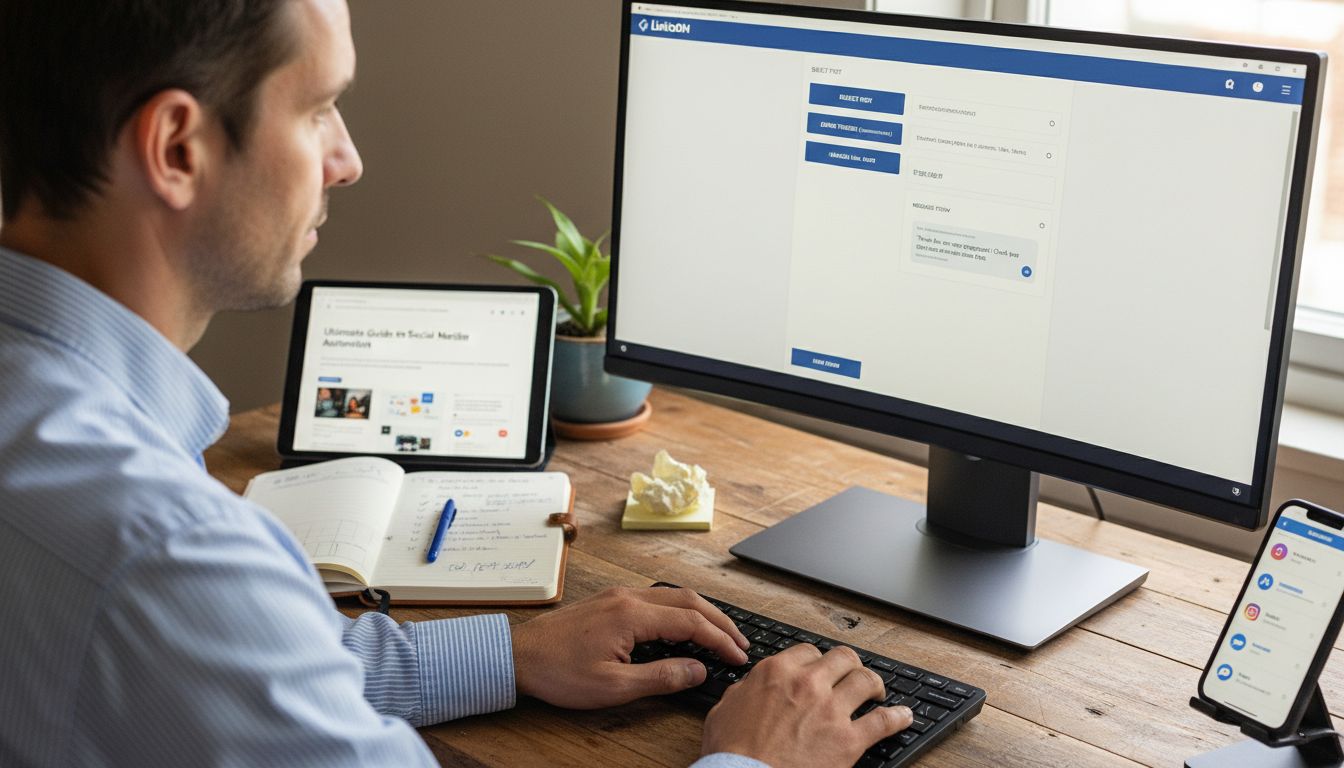 With your first Facebook post automation now configured, you are ready to streamline your social media engagement and turn more comments into meaningful conversations.
Step 3: Set Your Comment Trigger for DMs
Setting up your comment trigger is the critical moment that transforms passive social media interactions into active conversations. As recommended by VistaSocial Support, “every automation starts with a trigger. This is the moment that kicks off your interaction.”
In the LinktoDM dashboard, locate the trigger configuration section under your newly created Facebook post automation. You will find multiple trigger options that determine when an automatic direct message gets sent. These typically include conditions like specific keywords, comment sentiment, or user engagement levels. For instance, you might set a trigger to send a DM when someone comments with words like “interested” or “how much” on a product announcement post.
Carefully select your trigger conditions to ensure they match your communication goals. Some advanced options allow you to create multi condition triggers combining factors like comment content, user profile characteristics, and engagement history. Triggers in Automation can help you understand the nuanced ways you can customize these settings.
Pro tip: Start with simple, broad triggers and gradually refine them. Overly restrictive triggers might miss potential leads, while overly broad ones could flood your inbox with irrelevant messages. Test and adjust your trigger settings frequently to find the perfect balance.
Once your triggers are configured, the system will automatically initiate direct messages based on the conditions you have set.
This means you can focus on creating compelling content while LinktoDM handles the initial audience engagement automatically.
Step 4: Craft and Personalize Your DM Flow
Crafting a personalized direct message flow is the art of turning automated interactions into genuine connections. In Mastering DM Lead Funnels, we understand that successful automation requires a human touch that makes each recipient feel uniquely acknowledged.
Start by creating message templates that feel conversational and authentic. LinktoDM allows you to design dynamic message flows that can include personalization tokens like the commenter’s name, reference to their specific comment, or even contextual details from their profile. This approach transforms robotic automated messages into warm engaging interactions that feel individually tailored.
Consider developing multiple message variations to prevent your automated responses from feeling repetitive. You might create different message flows for various types of comments such as questions about pricing, general product interest, or event inquiries. The key is to make each message sound like it was written specifically for that individual in that moment.
Pro tip: Always include a clear call to action in your automated messages. Whether you want recipients to visit a link, schedule a consultation, or learn more about a product, make the next step crystal clear and easy to take.
Once your message flows are configured, LinktoDM will seamlessly integrate these personalized messages into your comment automation strategy. This means you can maintain authentic communication at scale without spending hours manually responding to every single comment.
Step 5: Add Follow Up Messages for Engagement
Follow up messages are the secret weapon of meaningful digital conversations. As explored in What Is DM Follow Up, strategic follow ups can transform a single interaction into a lasting connection with your audience.
LinktoDM offers advanced follow up message configurations that allow you to create intelligent message sequences. You can design multiple message stages triggered by different user interactions such as no response after initial contact, partial engagement, or specific time intervals. This approach ensures that your communication feels responsive and adaptive rather than static and robotic.
When crafting follow up messages, focus on providing additional value with each interaction. Your first message might introduce your offering, while subsequent messages could include testimonials, additional information, or exclusive content that incentivizes further engagement. The goal is to create a conversation flow that feels natural and progressively builds interest.
Pro tip: Implement a strategic cooling period between follow up messages to prevent your audience from feeling overwhelmed. Most successful engagement strategies recommend waiting at least 24 to 48 hours between automated follow up communications.
Once configured, these intelligent follow up sequences will run automatically, nurturing potential leads and maintaining engagement without constant manual intervention. LinktoDM essentially becomes your 24/7 communication assistant, ensuring no potential connection slips through the cracks.
Step 6: Activate and Test Your Facebook DM Automation
Activating your Facebook DM automation is the final step in transforming your social media engagement strategy. As highlighted in How to Setup Instagram DM Automation, testing your automation workflow is crucial to ensuring smooth and effective interactions.
In the LinktoDM dashboard, locate the activation toggle for your newly created Facebook post automation. Before going live, enable the preview or test mode that allows you to simulate automated responses without actually sending messages. This feature lets you verify message content, personalization tokens, and overall flow before fully launching your automation.
Carefully review each aspect of your automation configuration. Check that trigger conditions are precisely set, message templates sound natural, and follow up sequences are logically structured. Pay special attention to how personalization tokens populate and ensure each message feels authentic and contextually appropriate.
Pro tip: Create a test post on your Facebook page specifically designed to trigger your new automation. Use this controlled environment to verify every step of the message sequence and make real world adjustments before implementing the automation at scale.
Once you are confident in your setup, switch the automation to active mode. LinktoDM will now automatically handle incoming comments and initiate your carefully crafted message sequences, freeing you to focus on creating compelling content and growing your audience.
Unlock Effortless Facebook DM Automation with LinktoDM
Setting up Facebook DM automation can feel overwhelming, especially when trying to create personalized message flows and smart comment triggers that truly engage your audience. The challenge lies in managing these interactions without losing the authentic touch your followers expect. This article breaks down each step to build dynamic, automated conversations that scale your social media impact while keeping responses natural and human.
Imagine automating replies, follow-ups, and engagement triggers all in one place without sacrificing personalization or compliance. LinktoDM offers exactly that with advanced automation tools designed for creators and marketers who want to grow their communities efficiently. From crafting tailored DM flows to setting up comment-triggered messages, our platform makes complex automation simple and effective. Explore how our AI-powered auto-replies and pre-built templates can transform your Facebook engagement strategy at LinktoDM.
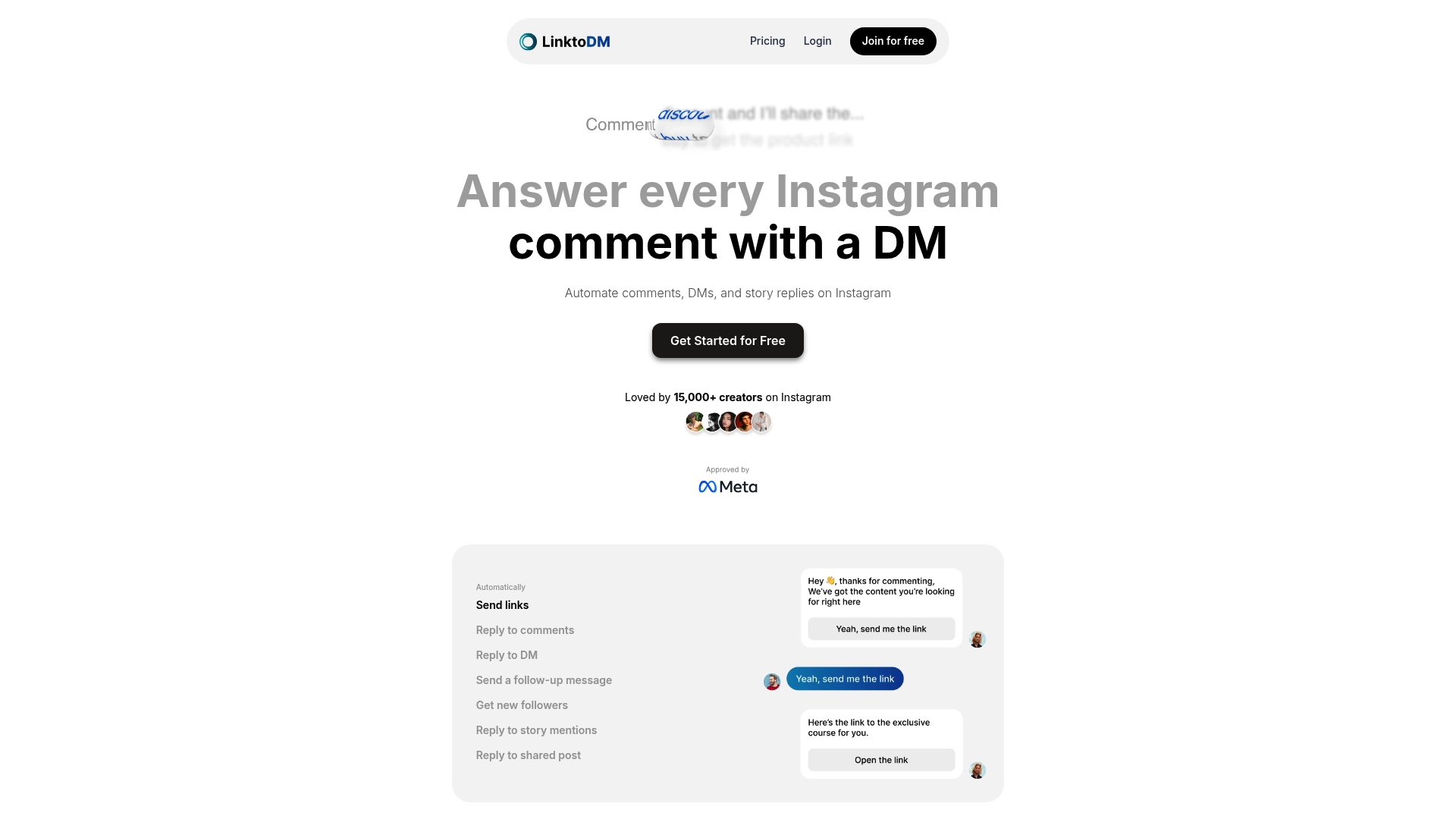
Ready to skip the manual hustle and start turning Facebook comments into meaningful conversations? Visit LinktoDM now to set up your automation and accelerate your audience growth. Dive deeper into personalized messaging and follow-up strategies with our DM Lead Funnel Automation Guide and stay ahead with expert tips from 7 Essential Social Media Automation Tips. Take control of your social engagement today and start converting every Facebook comment into a lasting connection.
Frequently Asked Questions
How do I connect my Facebook Page to LinktoDM?
To connect your Facebook Page to LinktoDM, log into your LinktoDM dashboard and navigate to your profile settings. Select ‘Connect Facebook Page’ and authorize LinktoDM to access your Facebook account by granting the necessary permissions.
What steps do I take to create a Facebook post automation in LinktoDM?
To create a Facebook post automation, go to the Automations tab in the LinktoDM dashboard and click ‘Create New Automation.’ Choose ‘Facebook Post Automation,’ select the post you wish to automate, and configure the trigger settings to define when the automated messages will be sent.
How can I set up comment triggers for direct messages in LinktoDM?
You can set up comment triggers by accessing the trigger configuration section of your Facebook post automation in LinktoDM. Choose specific keywords or user engagement conditions that will prompt an automatic direct message when triggered.
What should I include in my personalized DM flow using LinktoDM?
In your personalized DM flow, include templates that feel conversational and authentic, with personalization tokens like the commenter’s name. Ensure that each message has a clear call to action, guiding the recipient on the next steps they should take.
How do I test and activate my Facebook DM automation with LinktoDM?
To test your Facebook DM automation, use the preview mode in LinktoDM to simulate responses before going live. Once you’re satisfied with your message flow and configurations, switch the automation to active mode to start engaging with your audience automatically.

'%3e%3cpath%20d='M14.8156%200H1.18125C0.528125%200%200%200.515625%200%201.15313V14.8438C0%2015.4813%200.528125%2016%201.18125%2016H14.8156C15.4688%2016%2016%2015.4813%2016%2014.8469V1.15313C16%200.515625%2015.4688%200%2014.8156%200ZM4.74687%2013.6344H2.37188V5.99687H4.74687V13.6344ZM3.55938%204.95625C2.79688%204.95625%202.18125%204.34062%202.18125%203.58125C2.18125%202.82188%202.79688%202.20625%203.55938%202.20625C4.31875%202.20625%204.93437%202.82188%204.93437%203.58125C4.93437%204.3375%204.31875%204.95625%203.55938%204.95625ZM13.6344%2013.6344H11.2625V9.92188C11.2625%209.0375%2011.2469%207.89687%2010.0281%207.89687C8.79375%207.89687%208.60625%208.8625%208.60625%209.85938V13.6344H6.2375V5.99687H8.5125V7.04063H8.54375C8.85938%206.44063%209.63438%205.80625%2010.7875%205.80625C13.1906%205.80625%2013.6344%207.3875%2013.6344%209.44375V13.6344Z'%20fill='%23B1B1B1'/%3e%3c/g%3e%3cdefs%3e%3cclipPath%20id='clip0_6304_15414'%3e%3crect%20width='16'%20height='16'%20fill='white'/%3e%3c/clipPath%3e%3c/defs%3e%3c/svg%3e)

