



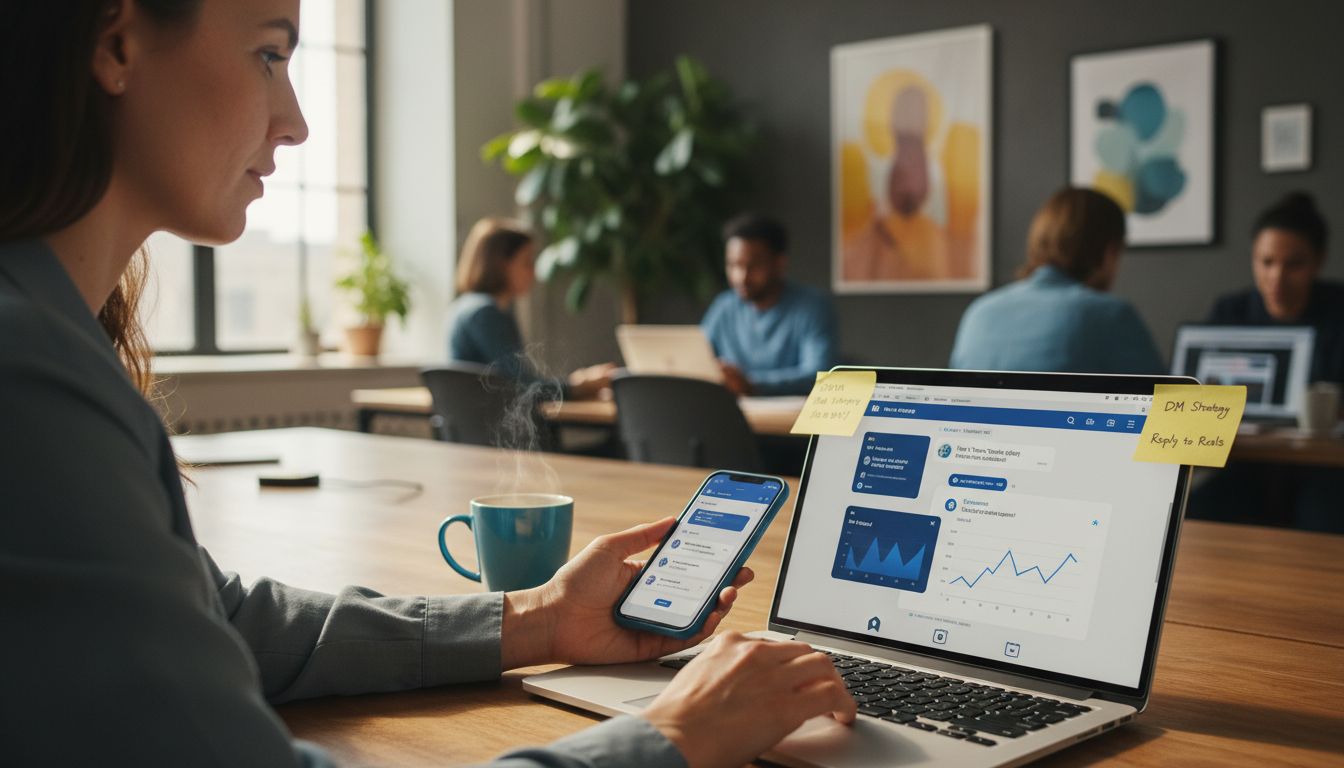
An Instagram DM follow-up is a follow-on message sent to someone who already interacted with you — a commenter, a story replier, or a person who messaged you — to continue the conversation and move them toward an action. Done right, it is permission-based and well-timed, not cold outreach. Instagram lets you send standard follow-ups for 24 hours after the last interaction, and up to 7 days using the HUMAN_AGENT tag.
Most creators lose sales in the gap between the first reply and the second message. The first DM goes out, the person reads it, and then nothing happens because nobody followed up while interest was still warm. This guide fixes that, the compliant way.
- Follow-ups work because they re-engage people who already raised their hand, not strangers.
- Timing is the whole game: send within the 24-hour window, then move long-term nurture to email.
- Cold DMs to people who never interacted are against Instagram's rules and risk your account.
- Automation handles the timing and sending so the human conversation still feels personal.
What is a DM follow-up on Instagram?
A DM follow-up is a deliberate second (or third) message to someone who already engaged with you. They commented a keyword, replied to your story, tapped a link, or sent you a DM, and you continue the conversation to answer a question, deliver a resource, or invite them to the next step.
The key word is permission. A good follow-up continues an interaction the other person started. That is what separates it from cold outreach, which means messaging people who never engaged with you. Cold DMs are not just less effective, they break Instagram's rules and put your account at risk. Everything in this guide assumes interaction-triggered, permission-based follow-ups.
New to automation in general? Start with our auto DM setup guide and our overview of safe Instagram automation.
The timing rules: the 24-hour window and the 7-day tag
Instagram's messaging API runs on time windows, and follow-ups live or die by them. Get this part right and everything else is just copywriting.
- The 24-hour window. After someone messages you or triggers an automation, you can send standard follow-up messages for 24 hours. This is where most of your re-engagement should happen.
- The HUMAN_AGENT tag (7 days). Meta's HUMAN_AGENT tag lets a real person reply for up to 7 days after the last interaction, for genuine one-to-one responses.
- After that, move to email. Once the window closes, you cannot keep DMing. Capture an email during the conversation and let your email tool handle long-term nurture.
This is why "schedule a follow-up for next week" inside Instagram does not work the way old outreach guides imply. Compliant follow-ups are fast, then they hand off to email.
Types of compliant follow-ups
Every useful follow-up starts from an interaction the person already made. Here are the main types, all permission-based.
| Type | Triggered by | Goal |
|---|---|---|
| Response-driven | A reply or DM they sent | Resume the conversation and answer |
| Delivery follow-up | A keyword comment or story reply | Send the promised link or guide |
| Re-engagement | No click after the first message | A gentle nudge inside 24 hours |
| Confirmation | A click or booking | Thank them and set up next steps |
| Backtrack | An older comment you missed | Reach commenters from the past 7 days |
Notice what is missing: cold outreach to new prospects. That is intentional. There is no compliant way to mass-DM people who never interacted with you, so it has no place in a follow-up strategy.
Copy-paste follow-up templates
Keep follow-ups short, lead with value, and sound like a person. Swap in your own link and offer.
Deliver the promised resource
Hey! Here's the guide you asked for 🎯
[your-link]

Quick question so I can point you the right way: what are you working on right now?
Gentle nudge (no click yet, within 24 hours)
Just making sure this didn't get buried 📌
Here's the link again: [your-link]

Want me to send the 2-minute version instead?
Thank them after a click or booking
Awesome, you're all set 🙌
If anything comes up before we talk, just reply here.

Want me to send a quick checklist to prep?
Capture an email for after the window
Happy to send the full breakdown 📩
What's the best email for it? I'll fire it over and keep you posted on new drops.
How follow-up automation works
Manual follow-ups fail for one reason: timing. You are asleep, in a session, or filming, and the 24-hour window quietly closes. Automation solves the timing problem so the conversation still feels human.
A follow-up automation waits a set delay after the first message, checks what the person did (clicked, replied, followed, went quiet), and sends the right message inside the allowed window. The two things that make it safe are a delay and a condition — send the follow-up only to people in the right state, and pace the sends so you stay within Instagram's limits.
Two ways to build follow-ups in LinktoDM
LinktoDM runs on Meta's official Graph API as a verified Meta Business Partner, and it gives you two ways to build a follow-up, depending on how much branching you want. Both use the same compliant timing and pacing under the hood.
Option 1: Basic automation (add a Follow-up message step)
Inside any automation you can add a Follow-up message step alongside the Opener message, Collect info, and Ask to follow steps. Each follow-up has a Wait for delay (from 1 minute upward) and a condition that decides who receives it. The condition options are:
| Condition | Sends the follow-up when |
|---|---|
| Always | Everyone, after the wait time |
| If not clicked link | They did not click your link |
| If clicked link | They clicked your link |
| If not seen message | They have not opened your message |
| If seen message | They opened your message |
| If user followed me | They followed your account |
| If user unfollowed me | They unfollowed your account |
| If reacted to message with emoji | They reacted with an emoji |
This is the fastest path: set a wait time, pick a condition, write the message, done. A typical nudge looks like a 1-minute wait set to "If not clicked link" with a message such as:
Hey 👋 Just checking in to make sure you saw my last message — let me know what you think!Option 2: Flow Builder (condition nodes and delay nodes)
For multi-step sequences with real branching, build the same logic visually in the Flow Builder. You chain delay nodes (the wait) and condition nodes (clicked, seen, followed, reacted, and so on) to send different messages down different paths. Use this when one follow-up is not enough and you want, say, a different second message for people who clicked versus people who went quiet.
A worked example: a two-step follow-up
Here is a complete compliant sequence you can build either way. It re-engages people who did not click, thanks the ones who did, and never touches anyone who did not interact first.
- Opener message fires when someone comments your keyword: it delivers the link and asks a question.
- Wait 1 minute, then a Follow-up message set to "If not clicked link": "Just making sure this didn't get buried 📌 Here's the link again: [your-link]. Want the 2-minute version instead?"
- Wait 10 minutes, then a Follow-up message set to "If clicked link": "Awesome, you're all set 🙌 Want me to send a quick checklist to prep?"
- Optionally add an Ask to follow step, or a branch set to "If user followed me" to send a bonus, rewarding new followers.
- For anyone still unconverted near the end of the window, use a step that collects an email so nurture continues by email after 24 hours.
In the basic builder this is two or three Follow-up steps with conditions. In the Flow Builder it is the same logic as delay nodes feeding condition nodes that branch to separate messages. Pick whichever matches how complex your sequence needs to be.
The features that keep it compliant
Whichever method you use, these run underneath:
- Backtrack: DM people who commented in the past 7 days, so missed comments still get a first message and follow-up.
- AI Auto-Reply: personalized, AI-generated responses that keep replies feeling human at scale.
- Universal Automation and the Next Post Scheduler: apply one follow-up rule across all posts, or pre-configure flows for upcoming content.
- Email capture and export: save email replies and export to Mailchimp, HubSpot, or ConvertKit for nurture after the window.
- Smart Queue Control: paces sends to stay within Instagram's limits.
- AI Meta Policy Check: scans your flow and flags anything that could risk compliance before you go live.
- Analytics dashboard: track hits, clicks, and conversions so you know which follow-up to improve.
Weighing tools? See how LinktoDM stacks up in our LinktoDM vs ManyChat comparison, or the full top 10 Instagram DM automation tools roundup.
Common mistakes to avoid
- Follow up only with people who interacted first
- Send inside the 24-hour window, fast
- Capture an email for long-term nurture
- Keep it short and human
- Cold-DM people who never engaged
- Send 5+ follow-ups or spam the inbox
- Try to "schedule" DMs past the window
- Sound like a robot or copy-paste a wall of text
Metrics that matter
Judge follow-ups by outcomes, not vanity numbers. Track these:
- Reply rate: how many people respond to the follow-up.
- Click rate: how many open your link.
- Opt-in rate: how many share an email.
- Conversion: booked calls or sales, the number that actually counts.
- Response time: faster follow-ups almost always convert better.
If clicks are low, the message needs work. If replies are high but conversions are low, the offer or the next step needs work. Let the numbers tell you which.
Frequently Asked Questions
What is a DM follow-up on Instagram?
Is sending DM follow-ups against Instagram's rules?
What is the 24-hour window?
How many follow-ups should I send?
Can I automate DM follow-ups safely?
How do I follow up after the 24-hour window closes?
Can I follow up with people who commented days ago?
What's the difference between the basic builder and the Flow Builder?
Related reading
- How to set up auto DM on Instagram (step by step)
- What is safe Instagram automation?
- Instagram DM tips for creators and brands
- The benefits of DM automation
Disclaimer & sources
Disclaimer: Instagram and Meta are trademarks of their respective owners. LinktoDM is an independent tool built on Meta's official Instagram API and is not affiliated with or endorsed by Meta beyond the Business Partner program. Platform policies, message tags, and time windows can change, so always check Instagram's current developer documentation before relying on them.
Sources: Meta messaging send-API documentation and Meta Instagram Platform documentation (accessed June 2026).

'%3e%3cpath%20d='M14.8156%200H1.18125C0.528125%200%200%200.515625%200%201.15313V14.8438C0%2015.4813%200.528125%2016%201.18125%2016H14.8156C15.4688%2016%2016%2015.4813%2016%2014.8469V1.15313C16%200.515625%2015.4688%200%2014.8156%200ZM4.74687%2013.6344H2.37188V5.99687H4.74687V13.6344ZM3.55938%204.95625C2.79688%204.95625%202.18125%204.34062%202.18125%203.58125C2.18125%202.82188%202.79688%202.20625%203.55938%202.20625C4.31875%202.20625%204.93437%202.82188%204.93437%203.58125C4.93437%204.3375%204.31875%204.95625%203.55938%204.95625ZM13.6344%2013.6344H11.2625V9.92188C11.2625%209.0375%2011.2469%207.89687%2010.0281%207.89687C8.79375%207.89687%208.60625%208.8625%208.60625%209.85938V13.6344H6.2375V5.99687H8.5125V7.04063H8.54375C8.85938%206.44063%209.63438%205.80625%2010.7875%205.80625C13.1906%205.80625%2013.6344%207.3875%2013.6344%209.44375V13.6344Z'%20fill='%23B1B1B1'/%3e%3c/g%3e%3cdefs%3e%3cclipPath%20id='clip0_6304_15414'%3e%3crect%20width='16'%20height='16'%20fill='white'/%3e%3c/clipPath%3e%3c/defs%3e%3c/svg%3e)

