




More than 60 percent of American Instagram influencers feel overwhelmed by daily comment management. For creators aiming to raise engagement and connect in fresh ways, relying on manual reply tactics can waste hours and limit growth. This guide lays out clear steps to help you automate comment interactions without losing the authentic voice your followers love, giving you the freedom to focus on content creation and audience building.
Quick Summary
| Key Point | Explanation |
|---|---|
| 1. Complete your Instagram profile | A professional profile with a quality picture and clear bio is essential for automation success. |
| 2. Use a business or creator account | Switching to a business or creator profile unlocks advanced features needed for effective automation. |
| 3. Personalize auto-response templates | Customized responses enhance engagement; incorporate the user’s name and conversational tone. |
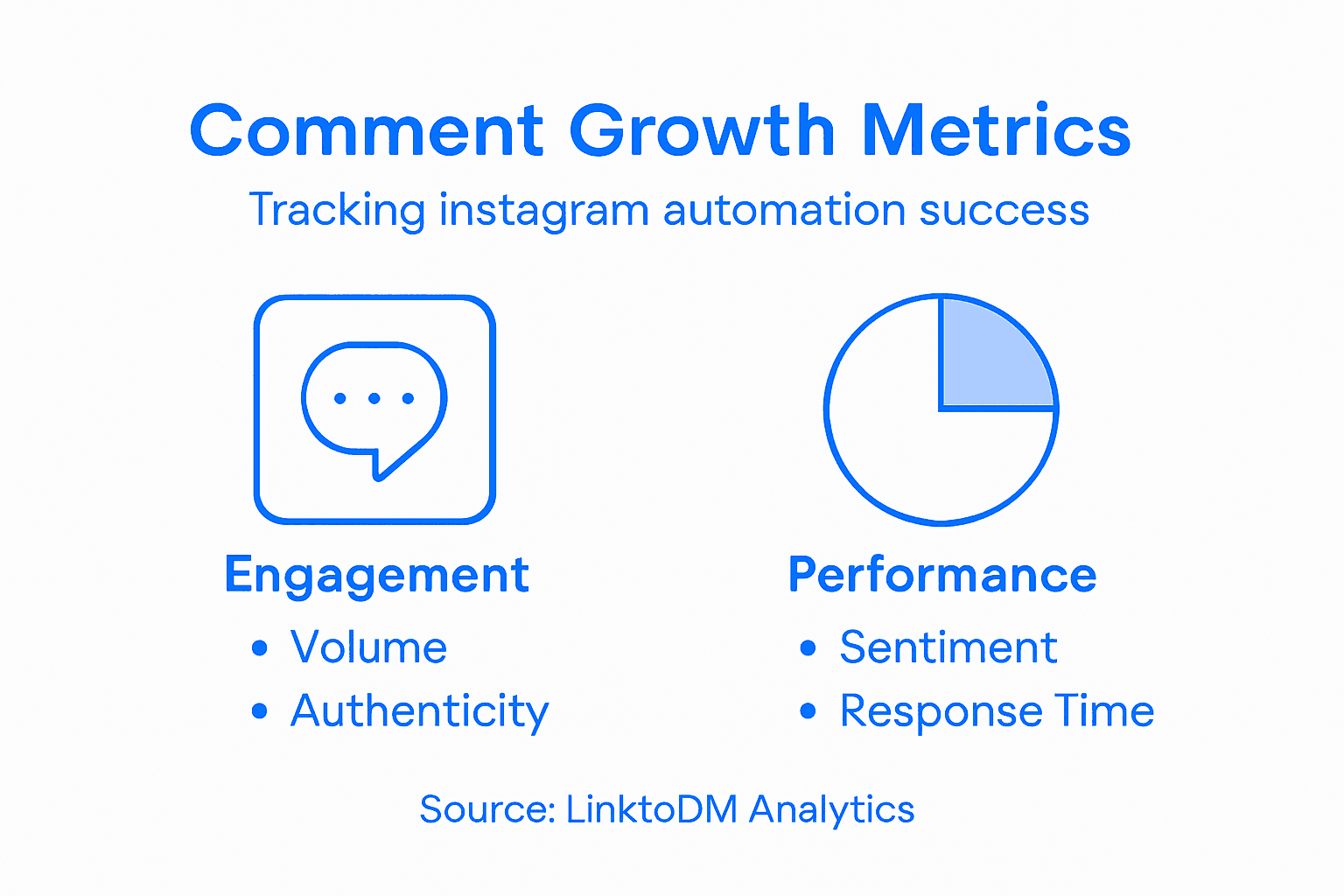
| 4. Monitor engagement metrics regularly | Track comment volume and sentiment to understand audience reactions and improve strategy. |
| 5. Optimize based on data insights | Use performance data to continuously refine your comment automation strategies for better engagement. |
Step 1: Set up your Instagram account for automation
Preparing your Instagram profile for automation requires strategic configuration to maximize engagement potential. Getting your account ready involves several key steps that will set the foundation for seamless automated interactions.
Start by ensuring your profile is complete and professional. Instagram profile configuration provides critical groundwork for automation success. Upload a high-quality profile picture that represents your brand or personal aesthetic. Write a clear bio that communicates your account’s purpose and includes relevant keywords potential followers might search. If applicable, add a link to your website or current promotional landing page.
Next, switch your account to a business or creator profile to unlock advanced features. This enables access to insights, contact buttons, and promotional tools that many automation platforms require. Verify your account details match your current branding and messaging strategy. Review your existing content to confirm it aligns with the engagement goals you plan to achieve through automation.
Here’s a quick overview of Instagram account types and their automation potential:
| Profile Type | Key Features | Automation Compatibility | Best For |
|---|---|---|---|
| Personal | Basic analytics, limited | Restricted | Individual users |
| Business | Insights, contact tools | Fully supported | Brands & organizations |
| Creator | Advanced features | Fully supported | Influencers & creators |
Pro tip: Audit your existing content before implementing automation to ensure a consistent and authentic online presence.
Step 2: Integrate LinktoDM and configure comment replies
Configuring automated comment replies transforms how you interact with your Instagram audience by streamlining engagement and saving significant time. LinktoDM offers powerful tools to help you create smart response strategies that feel personal and authentic.
To get started, log into your LinktoDM account and navigate to the comment automation section. Creating an auto responder automation requires careful keyword and response mapping. Set up response templates that match different comment scenarios. For instance, create specific replies for common questions, compliments, or engagement prompts. You can develop multiple response categories based on detected keywords or comment sentiment.
Next, customize your automation settings to maintain a natural interaction flow. Configure response frequency, tone, and personalization options to ensure your automated replies do not sound robotic. Preview and test your response templates to verify they align with your brand voice. Comment management techniques can help you refine your approach and create more engaging automated interactions.

Pro tip: Always maintain a balance between automation and genuine human interaction to preserve your account’s authenticity.
Step 3: Customize auto-response templates for engagement
Crafting effective auto-response templates is an art that balances automation with genuine connection. Your goal is to create responses that feel personal and authentic while saving time and maintaining consistent engagement.
Customizing auto-response scripts requires strategic keyword mapping and thoughtful template design. Start by analyzing your most common comment types and develop targeted response categories. For instance, create unique templates for questions, compliments, product inquiries, and general interactions. Use natural language that reflects your brand voice and sounds conversational rather than robotic. Consider incorporating personalization elements like using the commenter’s first name or referencing specific aspects of their comment.
Understand the nuances of your audience by testing and refining your templates regularly. Instagram auto-response customization helps you adapt quickly to changing audience expectations. Implement A/B testing to determine which response styles generate the most engagement. Monitor metrics like response rate, sentiment, and follower interaction to continuously improve your automated communication strategy.
Pro tip: Review and update your auto-response templates monthly to ensure they remain fresh, relevant, and aligned with your current brand messaging.
Step 4: Monitor interactions and analyze comment growth
Understanding the performance of your Instagram comment automation requires a strategic approach to tracking engagement metrics and sentiment. LinktoDM provides comprehensive tools to help you gain deep insights into your audience interactions.
Instagram comment sentiment analysis helps you decode the emotional landscape of your audience responses. Start by examining key performance indicators such as comment volume, sentiment breakdown, and response rates. Look for patterns in the types of comments that generate the most engagement. Pay attention to positive interactions, critical feedback, and neutral responses to understand how your automated templates are performing.
Social media engagement metrics provide valuable insights into audience behavior. Utilize LinktoDM’s analytics dashboard to track metrics like comment frequency, average response time, and follower interaction rates. Regularly review these metrics to identify trends and opportunities for improvement. Experiment with different response strategies and monitor how they impact overall engagement. Be prepared to adjust your automated templates based on real data insights.
Use this table to compare popular comment metrics tracked through automation:
| Metric | What It Measures | Why It Matters |
|---|---|---|
| Comment Volume | Number of comments posted | Assesses engagement level |
| Sentiment Breakdown | Positive, neutral, negative | Gauges audience mood |
| Average Response Time | Speed of reply | Indicates automation quality |
| Follower Interaction | Replies and likes | Shows audience involvement |
Pro tip: Set up a monthly review of your comment interaction analytics to continuously refine your engagement strategy and maintain authentic audience connections.
Step 5: Optimize strategies based on performance data
Transforming raw performance data into actionable insights requires a systematic approach to understanding your Instagram engagement metrics. Your goal is to continuously refine your comment automation strategy based on real world results.
Instagram influencer network analysis provides crucial insights into understanding interaction patterns. Begin by identifying the most impactful comment types that generate meaningful engagement. Look beyond basic metrics and examine the nuanced interactions that drive genuine audience connection. Pay attention to which automated response templates trigger the most positive reactions and which ones might need adjustment. Consider factors like response time, sentiment, and follower participation rates.
Social media campaign optimization helps creators implement data driven improvements. Use LinktoDM’s advanced analytics to conduct A/B testing on your comment templates. Experiment with different response styles, personalization levels, and timing strategies. Track how each variation impacts overall engagement metrics. Create a consistent feedback loop where performance data directly informs your automation strategy, ensuring your approach remains dynamic and responsive to your audience’s evolving preferences.
Pro tip: Create a quarterly performance dashboard that visually tracks key engagement metrics to quickly identify trends and optimization opportunities.
Elevate Your Instagram Engagement with Smart Automation Solutions
Struggling to keep up with the rapid flow of Instagram comments and maintain authentic interactions It can be tough to balance real-time engagement with managing growth efficiently This article highlights key challenges such as setting up automated comment replies, crafting personalized templates, and monitoring sentiment to boost meaningful audience connection. If your goal is to save time while creating genuine conversations LinktoDM offers a comprehensive suite of automation tools designed exactly for this purpose
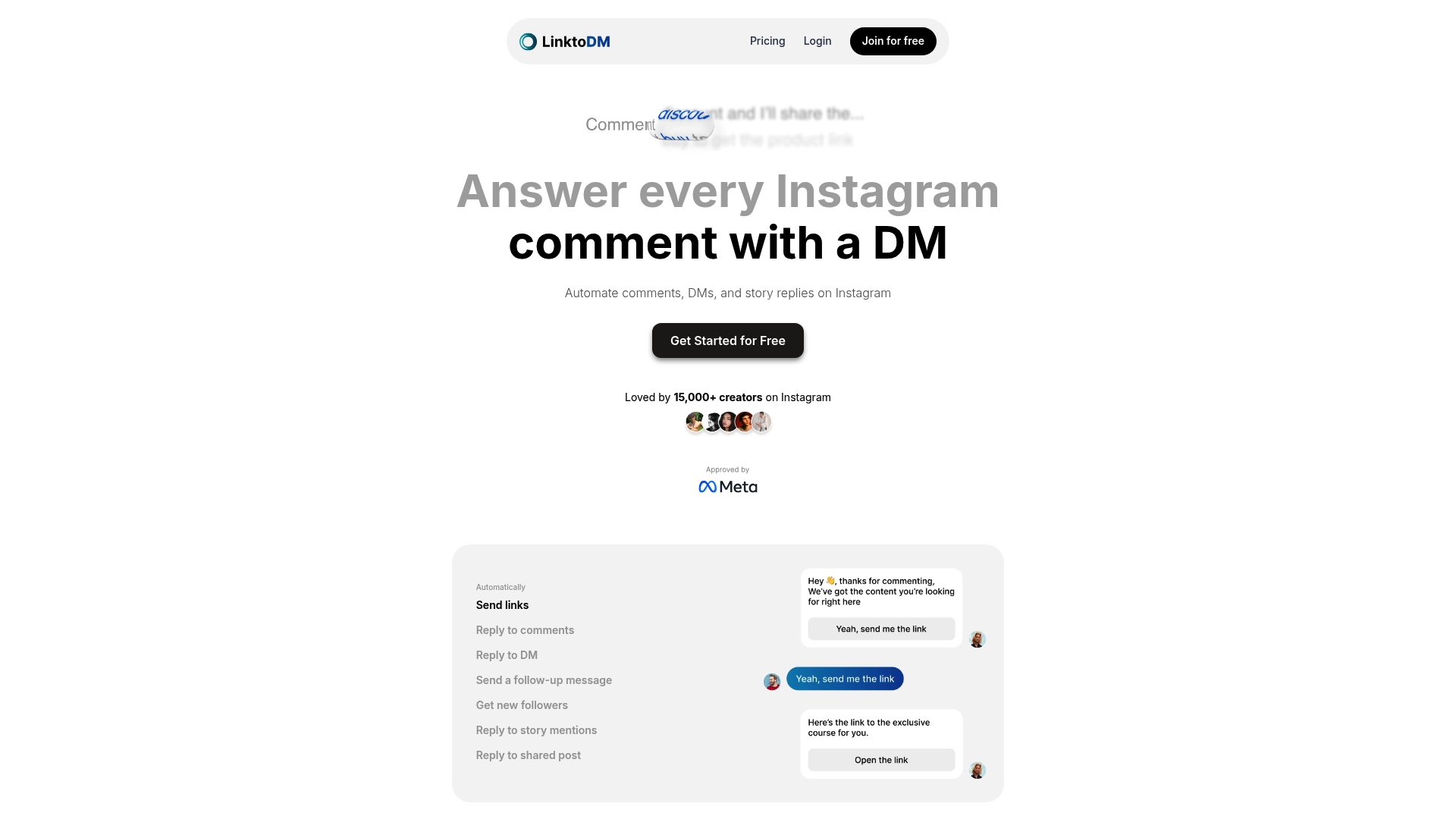
Discover how our platform leverages AI-powered auto-responses and pre-built templates to deliver natural, timely replies that resonate with your followers. Whether you are an influencer or a brand, LinktoDM simplifies comment automation while keeping authenticity intact. Start optimizing your Instagram growth today by visiting LinktoDM and explore how easy it is to automate comment replies and track engagement metrics with powerful analytics. Take control of your Instagram community now and experience sustained follower growth without losing your personal touch.
Frequently Asked Questions
How can I set up my Instagram account for automation?
To set up your Instagram account for automation, ensure your profile is complete and professional. Switch to a business or creator profile to unlock advanced features, and review your existing content to align with your engagement goals.
What are effective ways to create automated comment replies on Instagram?
Create automated comment replies by logging into your automation tool and mapping out keyword responses for common comment scenarios. Craft response templates that feel personal and authentic, maintaining natural interaction flow and testing them for fit with your brand voice.
How can I measure the effectiveness of my automated comment interactions?
You can measure effectiveness by tracking key performance indicators like comment volume, sentiment, and average response time. Regularly review these metrics to identify trends and adjust your automation strategy for improved engagement.
What should I include in my auto-response templates?
Your auto-response templates should include targeted responses for different comment types, using natural language that reflects your brand voice. Incorporate personalization elements, such as the commenter’s first name, to make interactions feel more genuine.
How often should I update my Instagram comment automation strategy?
You should review and update your Instagram comment automation strategy at least monthly. Regular updates will help ensure your responses remain relevant and aligned with evolving audience preferences and engagement trends.
What steps can I take to optimize engagement based on performance data?
To optimize engagement, conduct A/B testing on your comment templates and analyze which versions generate the most positive responses. Develop a feedback loop where performance data directly informs your strategies for more effective audience connection.

'%3e%3cpath%20d='M14.8156%200H1.18125C0.528125%200%200%200.515625%200%201.15313V14.8438C0%2015.4813%200.528125%2016%201.18125%2016H14.8156C15.4688%2016%2016%2015.4813%2016%2014.8469V1.15313C16%200.515625%2015.4688%200%2014.8156%200ZM4.74687%2013.6344H2.37188V5.99687H4.74687V13.6344ZM3.55938%204.95625C2.79688%204.95625%202.18125%204.34062%202.18125%203.58125C2.18125%202.82188%202.79688%202.20625%203.55938%202.20625C4.31875%202.20625%204.93437%202.82188%204.93437%203.58125C4.93437%204.3375%204.31875%204.95625%203.55938%204.95625ZM13.6344%2013.6344H11.2625V9.92188C11.2625%209.0375%2011.2469%207.89687%2010.0281%207.89687C8.79375%207.89687%208.60625%208.8625%208.60625%209.85938V13.6344H6.2375V5.99687H8.5125V7.04063H8.54375C8.85938%206.44063%209.63438%205.80625%2010.7875%205.80625C13.1906%205.80625%2013.6344%207.3875%2013.6344%209.44375V13.6344Z'%20fill='%23B1B1B1'/%3e%3c/g%3e%3cdefs%3e%3cclipPath%20id='clip0_6304_15414'%3e%3crect%20width='16'%20height='16'%20fill='white'/%3e%3c/clipPath%3e%3c/defs%3e%3c/svg%3e)

