




More than 80 percent of American brands see higher engagement rates with Instagram carousel posts compared to single images. With users craving interactive and visually appealing content, finding new ways to educate, inspire, and connect is crucial for growth. Whether you run a small business or manage a creative project, discover how standout carousel strategies can help you create impact and spark real conversation on social media.
Quick Summary
| Key Message | Explanation |
|---|---|
| 1. Use Carousels for Step-by-Step Tutorials | Break down complex processes into slides for easy understanding and engagement. Each slide should represent a distinct step, maintaining visual cohesion. |
| 2. Create Engaging Before-and-After Transformations | Showcase dramatic changes with a clear narrative of progression and insights. Capture the audience’s attention by highlighting both results and the effort behind them. |
| 3. Tell Personal Stories with Visuals | Share meaningful experiences through sequential images that evoke emotion. Structure your narrative with clear progression to maintain viewer interest. |
| 4. Highlight Product Features Clearly | Use slides to showcase individual product features, making complex information digestible. Consistent design helps convey each benefit attractively. |
| 5. Encourage Interaction with Quizzes and Polls | Transform passive viewing into active participation with interactive quizzes that engage the audience and enhance content value. |
1. Showcase a Step-by-Step Tutorial Using Slides
Instagram carousel tutorials are a powerful way to break down complex processes into digestible visual content. By creating a slide-based tutorial, you can transform complicated instructions into an engaging, easy-to-follow visual journey.
When designing a step-by-step tutorial carousel, think of each slide as a chapter in your visual storytelling. You want to create a narrative flow that guides viewers through your process seamlessly. Linearity provides an excellent guide for designing professional carousel tutorials that can help you craft visually compelling educational content.
Start by mapping out your tutorial sequence. Each slide should represent a distinct step, using clear graphics or screenshots that illustrate the progression. Use consistent design elements like color schemes, fonts, and layout to maintain visual cohesion across your slides. This approach helps viewers track your tutorial easily and keeps them engaged throughout the entire carousel.
The key to a successful tutorial carousel is clarity and progression. Arrange your slides to build upon each other, showing a clear transformation or process from start to finish. Include minimal but descriptive text that complements your visuals, ensuring viewers can understand each step without feeling overwhelmed.
Pro Tip: Create a thumbnail slide as your first image that gives viewers a quick preview of what they will learn, encouraging them to swipe through the entire tutorial sequence.
2. Share Before-and-After Transformations Creatively
Before-and-after carousels are visual storytelling powerhouses that capture audience attention by showcasing dramatic transformations. These powerful image sequences can work across multiple niches from fitness and home renovation to personal styling and professional skill development.
Instagram carousel strategies reveal that transformation content generates significant viewer engagement by tapping into people’s natural curiosity and desire to see positive change. The key is creating a compelling narrative that shows not just the result but the journey between start and finish.
Design your carousel to tell a clear story. Begin with a striking before image that highlights the initial challenge or starting point. Then progress through slides that demonstrate incremental improvements, building anticipation for the final reveal. Use consistent styling and color schemes across your slides to maintain visual cohesion and professional polish.
Think beyond traditional transformation content. While fitness and weight loss transformations are common, you can apply this format to countless scenarios: professional skill development, home organization, digital art progress, makeup techniques, or even personal growth journeys. The most engaging transformations reveal not just external changes but hint at the underlying effort and personal growth.
Pro Tip: Include a brief text overlay on each slide explaining a specific milestone or technique used in your transformation to provide context and keep viewers interested throughout the entire carousel sequence.
3. Tell a Personal Story Across Multiple Images
Personal storytelling through Instagram carousels transforms mundane content into compelling narratives that deeply connect with your audience. These multi image sequences allow you to share experiences, journeys, and insights in a way that single image posts cannot.
Instagram carousel storytelling techniques provide powerful ways to engage viewers through sequential visual narratives by breaking down complex experiences into digestible moments. The magic happens when you craft a narrative arc that pulls viewers from one slide to the next.
Start by identifying a meaningful personal story with clear progression. This could be a professional milestone, personal challenge, learning experience, or transformative moment. Structure your carousel like a mini documentary structured around key emotional beats: the challenge, the struggle, the breakthrough, and the resolution.
Consider including diverse content types across your slides. Mix photographs, screenshots, text overlays, and graphics to maintain visual interest. Each slide should advance the story while providing a visually engaging element that compels viewers to continue swiping. Think cinematically create visual tension and release that keeps your audience emotionally invested.
Pro Tip: Write a compelling first slide that acts as a narrative hook drawing viewers into your story and making them curious about what happens next.
4. Highlight Product Features and Benefits Visually
Instagram carousels offer an unparalleled opportunity to showcase product details in a dynamic and engaging visual format. Instead of cramming information into a single static image, you can walk potential customers through your product’s most compelling features slide by slide.
Effective product carousel strategies transform complex feature explanations into digestible visual narratives by breaking down technical information into easy-to-understand segments. This approach allows viewers to explore your product at their own pace, swiping through each unique aspect.
Design each slide to focus on a single key feature or benefit. Use high quality images, graphics, or mockups that clearly demonstrate how the product works or solves a specific problem. Include concise text overlays that quickly communicate the value proposition without overwhelming the viewer. Consider using comparative slides that show how your product differs from alternatives or solving real world challenges.
Think strategically about your slide sequence. Start with an attention grabbing first slide that introduces the core problem your product solves. Progress through subsequent slides that reveal specific features, demonstrating incremental value. Use consistent visual branding color schemes and typography to maintain a professional and cohesive look across all images.
Pro Tip: Create a final slide with a clear call to action that invites viewers to learn more or make a purchase, using a compelling summary of your product’s most unique benefit.
5. Create Interactive Quizzes or Polls in Carousels
Instagram carousels transform passive scrolling into an engaging interactive experience through creative quiz and poll formats. These interactive posts invite followers to participate actively rather than simply consuming content.
Instagram carousel strategies demonstrate how interactive content can dramatically increase audience engagement by turning viewers into participants. Quizzes and polls create a two way communication channel that makes followers feel heard and valued.
Design your carousel quiz with clear visual progression. Start with an intriguing first slide that introduces the topic and explains how the quiz works. Create multiple slides with multiple choice answers, using visually distinct graphics or color coding to make selection intuitive. Include a final reveal slide that provides the correct answers or insights based on user responses.
Think beyond simple true false questions. Develop quizzes that educate while entertaining. For example, a fitness account might create a carousel quiz about nutrition myths. A travel brand could design a quiz testing followers knowledge about different global destinations. The goal is to make learning fun and interactive.
Pro Tip: Include a call to action on your final slide that encourages followers to share their quiz results in comments or stories to boost post interaction and algorithmic visibility.
6. Share User-Generated Content and Testimonials
User generated content represents the most authentic form of social proof possible on Instagram. Carousels provide an incredible opportunity to showcase real customer experiences across multiple engaging slides.
Instagram carousel strategies reveal powerful methods for building community trust through authentic testimonials by transforming customer stories into compelling visual narratives. These multi slide posts allow deeper exploration of individual experiences beyond traditional single image testimonials.
Design your carousel to tell a complete customer journey. Start with a powerful first slide introducing the customer or their challenge. Progress through subsequent slides showing transformation details, personal insights, and specific results. Include high quality images of the customer preferably in their own environment to enhance authenticity.
Create variety in your user generated content approach. Mix professional customer testimonials with candid user photos, screenshots of positive reviews, and personal success stories. Select content that demonstrates genuine emotion and tangible outcomes. Ensure you have proper permissions and credit original creators prominently.
Pro Tip: Always reach out to customers featured in your content and get explicit written consent before publishing their stories, ensuring respect for their privacy and building long term relationship trust.
7. Present Tips or Industry Insights with Swipeable Graphics
Instagram carousels transform complex information into digestible visual stories that keep audiences engaged and hungry for knowledge. These multi slide graphics offer an unparalleled opportunity to break down intricate industry insights into compelling sequential narratives.
Instagram carousel strategies reveal powerful techniques for presenting professional insights through strategic visual storytelling by allowing creators to parse complicated concepts across multiple interconnected slides. This approach turns passive content consumption into an interactive learning experience.
Design your carousel with a clear narrative progression. Start with an attention grabbing first slide that introduces the core concept or problem. Use subsequent slides to progressively reveal insights, tips, or step by step explanations. Incorporate clean graphics, icons, and concise text overlays that make each slide both informative and visually appealing.
Think about visual consistency and information hierarchy. Use a uniform color palette, typography, and graphic style across all slides to create a professional look. Arrange information from broad concepts to specific details, ensuring each slide builds upon the previous one. Integrate data points, statistics, or expert quotes to add credibility to your insights.
Pro Tip: Create a compelling final slide that summarizes your key takeaways and includes a clear call to action that invites viewers to save, share, or implement the insights you have presented.
Below is a comprehensive table summarizing the key strategies for creating engaging Instagram carousel content discussed throughout the article.
| Type of Content | Key Strategies | Expected Outcomes |
|---|---|---|
| Step-by-Step Tutorial | Map out each slide; use consistent design; include clear graphics and minimal text | Engaging, easy-to-follow visual journey |
| Before-and-After Transformations | Start with an initial challenge image; build anticipation with progression slides; reveal intriguing results | Captures attention and engagement by showcasing transformations |
| Personal Storytelling | Craft a narrative arc; use diverse media types; provide emotional beats | Deep audience connection and compelling narratives |
| Highlighting Product Features | Focus on one feature per slide; use high-quality visuals; include comparative elements | Dynamic presentation of product details, enhancing viewer understanding |
| Interactive Quizzes or Polls | Design with clear visual progression; use intriguing topics; involve viewers with engaging questions | Increased engagement as viewers participate actively |
| User-Generated Content | Tell a customer journey; include candid images and personal insights | Builds community trust through authentic testimonials |
| Presenting Tips or Insights | Use narrative progression; integrate clean graphics; present data and quotes | Interactive learning experience with professional insights |
Elevate Your Instagram Carousel Engagement with Smart Automation
Creating engaging Instagram carousels is a fantastic way to capture your audience’s attention and tell compelling stories. However, maintaining high engagement across each slide and managing timely interactions can be a challenge. The article highlights the importance of step-by-step tutorials, personal stories, quizzes, and user-generated content to boost viewer involvement but also reveals how complex it can be to respond to comments, DMs, and story interactions efficiently.
That’s where LinktoDM becomes your game changer. With its AI-powered automation tools, you can streamline replies to comments and direct messages instantly, ensuring you never miss a chance to connect with your growing community. Imagine automating your engagement after sharing transformation carousels or product highlights so your audience feels heard and valued without manual effort. Plus, LinktoDM’s real-time interaction with story mentions and polls helps keep your content momentum strong and your followers actively involved.
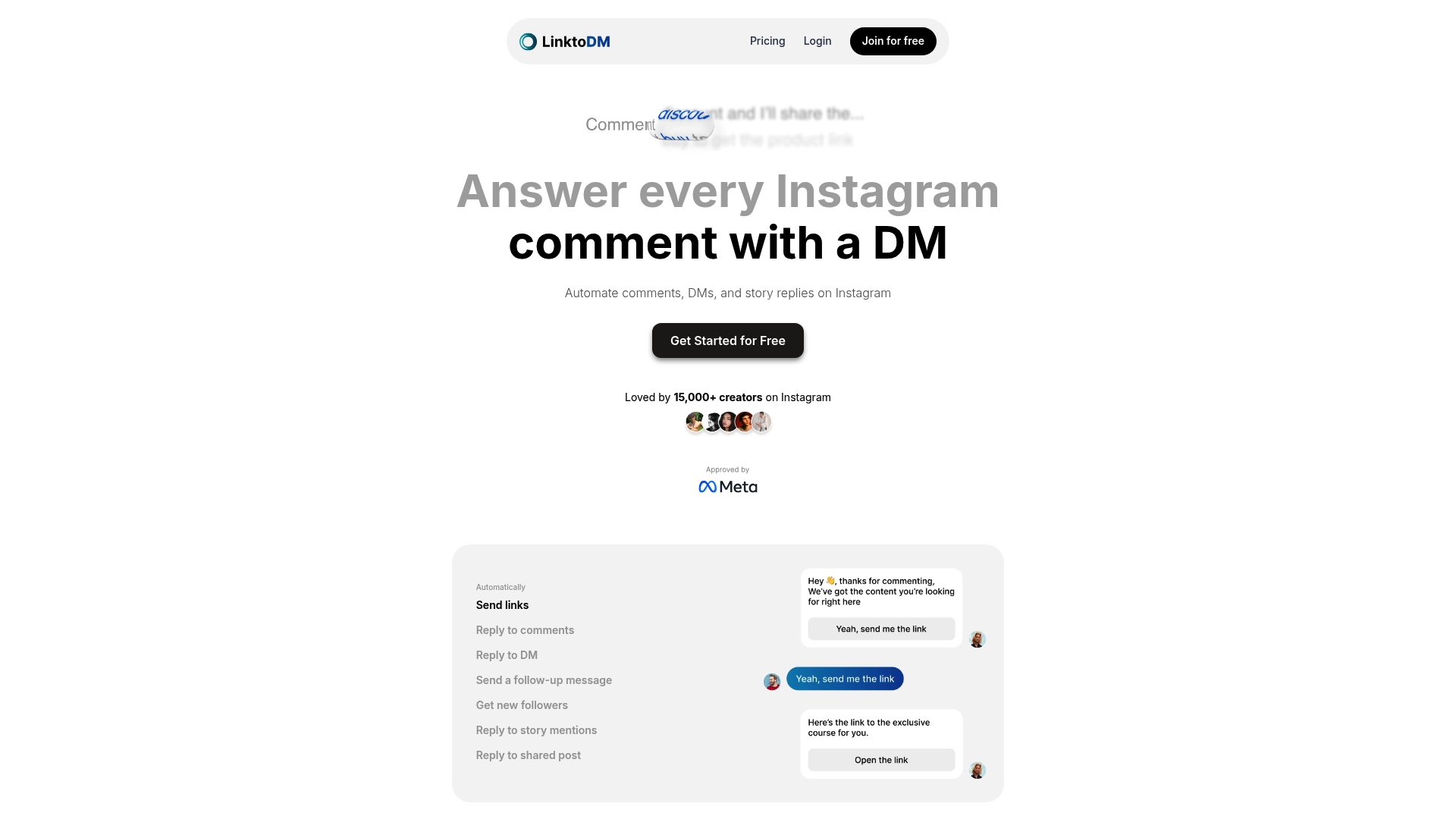
Start transforming your Instagram growth strategy today by harnessing powerful automation tailored for creators and influencers. See how effortless managing large Instagram communities can be with LinktoDM’s all-in-one platform. Don’t just create beautiful carousels — boost your engagement and deepen connections now by exploring more at LinktoDM.
Frequently Asked Questions
How can I create a step-by-step tutorial carousel on Instagram?
Start by planning your tutorial sequence, where each slide represents a distinct step. Use clear graphics or screenshots and maintain consistent design elements, such as color and font, to create visual cohesion across the carousel.
What are effective ways to showcase before-and-after transformations in carousels?
Begin with a striking before image that highlights the initial challenge, then use subsequent slides to showcase incremental improvements. Keep the narrative engaging by ensuring a clear progression and maintaining consistent styling throughout.
How can I tell a personal story using an Instagram carousel?
Identify a meaningful personal story with a clear progression and structure your carousel around key emotional beats. Incorporate diverse content types, such as photographs and text overlays, to maintain visual interest and pull viewers through your narrative.
What should I include when highlighting product features in a carousel?
Focus on one key feature or benefit per slide, using high-quality images or mockups and concise text overlays to clearly communicate the value. Start with an attention-grabbing slide that introduces the core problem your product solves, then progress through features that demonstrate incremental value.
How can I design interactive quizzes or polls in Instagram carousels?
Begin with an intriguing slide that introduces the quiz topic, followed by multiple slide options with visually distinct graphics for easy selection. Conclude with a final slide that reveals answers or insights, making the experience engaging and fun for your followers.
How can I effectively share user-generated content in carousels?
Start by introducing the customer and their challenge on the first slide, then detail their transformation through successive slides. Mix professional testimonials with candid images to enhance authenticity and always obtain permission before sharing their stories.
Recommended
- How to Plan Your Instagram Feed for Impactful Growth
- 7 Essential Steps for a Winning Instagram Content Checklist
- 7 Engaging Instagram Story Ideas to Boost Your Reach
- 7 Essential Instagram Growth Hacks for 2025
- 7 Smart Ways to Find Inspiration for Merch Designs – Custom T-Shirts and Printed Merch in Utah | Pulse Merch

'%3e%3cpath%20d='M14.8156%200H1.18125C0.528125%200%200%200.515625%200%201.15313V14.8438C0%2015.4813%200.528125%2016%201.18125%2016H14.8156C15.4688%2016%2016%2015.4813%2016%2014.8469V1.15313C16%200.515625%2015.4688%200%2014.8156%200ZM4.74687%2013.6344H2.37188V5.99687H4.74687V13.6344ZM3.55938%204.95625C2.79688%204.95625%202.18125%204.34062%202.18125%203.58125C2.18125%202.82188%202.79688%202.20625%203.55938%202.20625C4.31875%202.20625%204.93437%202.82188%204.93437%203.58125C4.93437%204.3375%204.31875%204.95625%203.55938%204.95625ZM13.6344%2013.6344H11.2625V9.92188C11.2625%209.0375%2011.2469%207.89687%2010.0281%207.89687C8.79375%207.89687%208.60625%208.8625%208.60625%209.85938V13.6344H6.2375V5.99687H8.5125V7.04063H8.54375C8.85938%206.44063%209.63438%205.80625%2010.7875%205.80625C13.1906%205.80625%2013.6344%207.3875%2013.6344%209.44375V13.6344Z'%20fill='%23B1B1B1'/%3e%3c/g%3e%3cdefs%3e%3cclipPath%20id='clip0_6304_15414'%3e%3crect%20width='16'%20height='16'%20fill='white'/%3e%3c/clipPath%3e%3c/defs%3e%3c/svg%3e)

