





Scrolling through endless story mentions and replies can easily distract even the most dedicated Instagram creators across the United States and Canada. With audience interactions growing by the week, manual responses start to feel overwhelming and cut into precious content time. Setting up automated story mentions tools lets you maintain genuine connection with followers while keeping your focus where it belongs—on creativity and growth.
Quick Summary
| Key Message | Explanation |
|---|---|
| 1. Set Up Automated Tools | Connect your Instagram account to an automation platform to streamline story mentions management. |
| 2. Create Personalized Reply Templates | Design short, engaging response templates that reflect your brand voice for various scenarios. |
| 3. Monitor Engagement Effectively | Enable real-time alerts and track key metrics to measure the success of your automated interactions. |
| 4. Verify Automation Functionality | Test your automation setup to ensure replies are functioning correctly and personalize engagement. |
| 5. Regularly Review Metrics | Analyze performance data weekly to optimize response effectiveness and adapt strategies accordingly. |
Step 1: Set up automated story mentions tools
You’re about to transform how you handle story interactions. Setting up automated story mentions tools eliminates the need to manually monitor and respond to every mention, letting you focus on creating content instead.
Start by connecting your Instagram account to an automation platform. Most tools require you to log in through their interface and grant permission for the app to access your Instagram data.
Here’s what you’ll need to do first:
- Log into your automation platform with your Instagram credentials
- Authorize the app to access your account and story data
- Verify that your business or creator account is properly connected
- Check that the tool can read incoming story mentions and replies
Once connected, you’ll configure the automation triggers. These are the events that prompt your automated responses. Configuring chatbot flows for story replies allows you to map specific data points like the story ID and message content, enabling personalized responses at scale.
Next, set up your response rules. Decide what types of story mentions should trigger automatic replies. For example, you might want all story mentions to receive a thank-you message, or only mentions containing specific keywords to get directed to your latest post.
Design your response templates before activation. Keep messages concise and authentic—your audience should feel like they’re getting genuine engagement, not robotic replies. Include personalization variables like the person’s name when possible.
Automated story mentions only work when your response rules align with your actual audience expectations and brand voice.
Test your setup with a few story mentions before full rollout. Ask a friend to mention your account in their story and verify that your automated response fires correctly. This catches any configuration errors before they affect real audience interactions.
Pro tip: Start with simple, high-impact responses like thanking viewers or directing them to your latest content, then expand to more complex sequences once you’re comfortable with the platform.
Step 2: Configure reply templates and engagement triggers
Now that your account is connected, it’s time to build the brain behind your automation. Creating custom reply templates and setting up engagement triggers ensures your responses feel personal, not robotic.
Start by defining what triggers you want to use. A trigger is any action that prompts an automated response. You might set triggers based on story mentions, specific keywords in replies, or even the user’s interaction history.
Here are the main trigger types to consider:
Here’s a comparison of common engagement triggers you can automate and their ideal use cases:
| Trigger Type | Description | Best Used For |
|---|---|---|
| Story Mention | Account tagged in a story | Brand awareness, community engagement |
| Keyword Reply | Specific words in replies | Sales inquiries, promotions |
| First-Time Engager | First interaction with story | Onboarding or welcome messages |
| Repeat Viewer | Engaged with stories before | Loyalty campaigns, special offers |
- Story mentions containing your account name or branded hashtags
- Replies to your stories with specific keywords like “buy” or “learn more”
- First-time story engagers versus repeat viewers
- Messages containing questions or calls to action
Once you’ve chosen your triggers, set up AI auto-reply responses that feel authentic to your brand. Train your automation by feeding it information from your bio, past posts, and direct messages so the AI learns your voice and values.

Create your reply templates next. These should be short, punchy, and on-brand. Include personalization variables like the person’s name or reference their specific comment. For example, instead of a generic “Thanks for mentioning us,” try “Hey [Name], thanks for the love. Check out our latest post for something you’ll enjoy.”
Design multiple templates for different scenarios. You might have one template for general mentions, another for people asking about pricing, and a third for engagement campaigns or special offers.
Your templates should sound like you’re responding in real time, not like a predetermined message firing automatically.
Test each template by reviewing how it performs. Does it generate clicks? Do people respond positively? Adjust wording based on engagement data to keep improving your response quality.
Set conditional flows for more sophisticated automation. Route people who ask about products to your shop link, and send viewers who ask questions to a FAQ post or direct message.
Pro tip: Build 3 to 5 core templates covering your most common story mention scenarios, then add variations based on performance data rather than creating dozens upfront.
Step 3: Activate monitoring for story mentions
Monitoring brings your automation to life by tracking every mention in real time. Without active monitoring, your automated responses won’t know when to fire, and you’ll miss valuable audience interactions.
Begin by enabling real-time alerts within your automation platform. This ensures you receive instant notifications whenever someone mentions your account in a story, comment, or post. Real-time alerts let you stay aware of what’s happening while your automation handles responses automatically.
Set up your monitoring dashboard to track key metrics:
- Number of story mentions per day or week
- Which followers or accounts mention you most frequently
- Sentiment of mentions (positive, neutral, or asking for help)
- Response times and engagement rates from your automated replies
- Click-through rates on links sent in automated messages
Enable real-time tracking for brand mentions across your Instagram presence. This data helps you understand audience behavior and identify trends in who’s talking about you and why. Monitor mentions in stories, posts, comments, and even user bios to capture every conversation.
Create custom tracking filters based on your goals. If you’re launching a campaign, monitor mentions of a specific hashtag. If you’re tracking competitor activity, set up alerts for mentions of competing brands alongside yours.
Review your monitoring data regularly, ideally weekly. Look for patterns in which types of mentions get the highest engagement, which audiences are most responsive, and which messages generate the most clicks.
Monitoring without action is just data collection. Use your insights to refine templates, adjust triggers, and improve your automation over time.
Set notification preferences so you’re alerted for high-priority mentions. Maybe you want to know immediately when someone asks a question, but general thanking mentions can batch into daily summaries.
Pro tip: Check your monitoring dashboard every few days and save screenshots of your top-performing automated responses, then use those winning templates as models for new ones.
Step 4: Verify automation and measure engagement impact
Your automation is running, but how do you know it’s actually working? Verification and measurement transform your setup from a black box into a data-driven system you can optimize and trust.
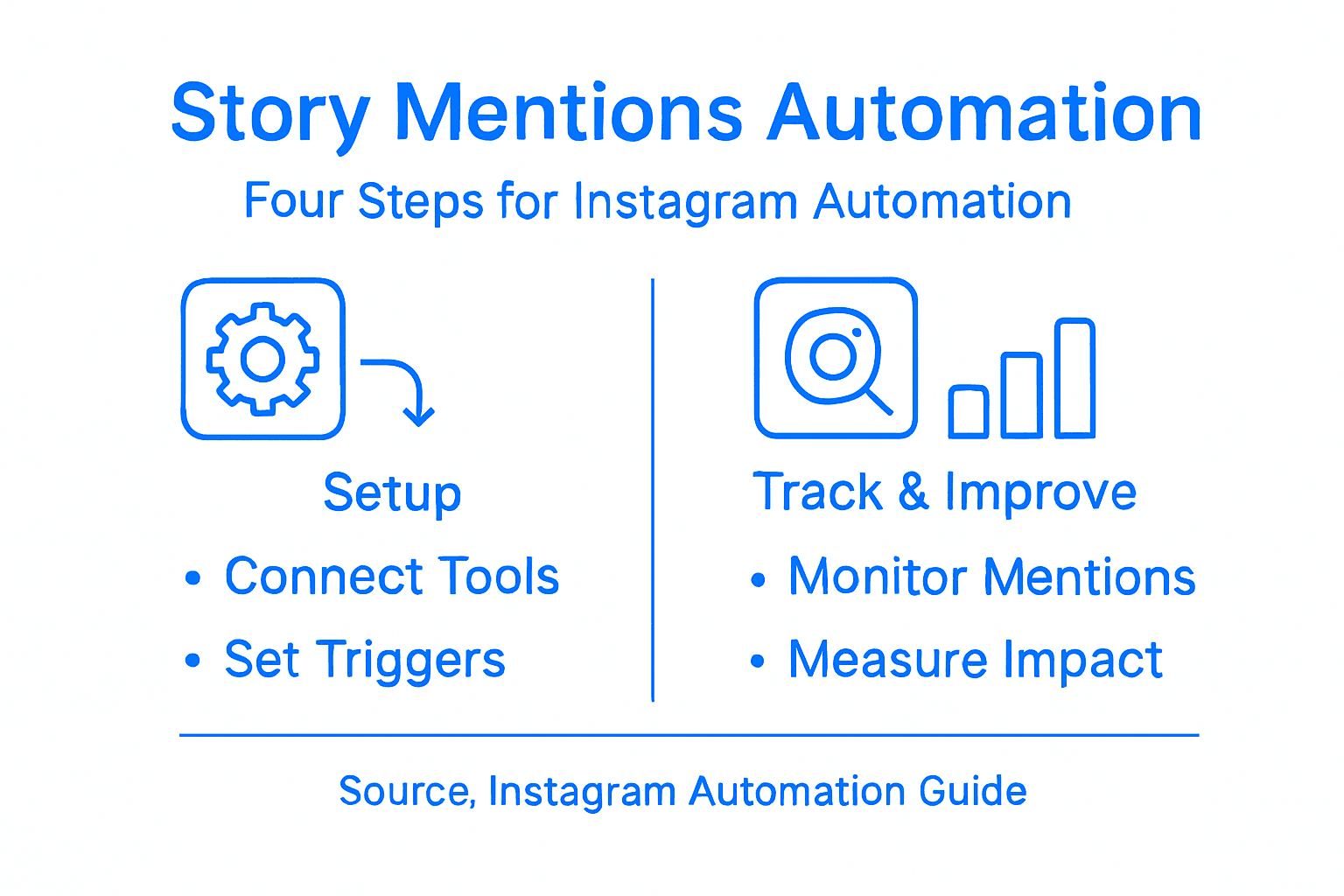
Start by running a verification test with your own account or a trusted friend’s account. Have them mention you in a story, reply to one of your stories with a keyword, or engage in the exact way your triggers are set up. Check that your automated response fires correctly and on time.
Verify these critical elements:
- Automated replies send within seconds of the trigger event
- Message content displays correctly without formatting errors
- Links in your replies work and direct to the right landing pages
- Personalization variables like names populate accurately
- Your response templates match your brand voice
Once verified, measure your engagement impact by tracking metrics that matter. Follower engagement strategies require consistent monitoring of how automation affects your audience interactions and growth patterns.
Watch these key performance indicators weekly:
Below is a summary of key metrics to monitor for Instagram automation effectiveness:
| Metric | What It Measures | Why It Matters |
|---|---|---|
| Reply Rate | Automated replies sent vs. mentions | Assesses responsiveness and reach |
| Click-Through Rate | Link clicks from automated replies | Tracks traffic and conversion potential |
| Follower Growth | Increase in followers over time | Indicates expanded audience impact |
| Engagement Sentiment | Quality of user responses | Gauges brand perception impact |
- Reply rate: percentage of mentions receiving automated responses
- Click-through rate: how many people click links in your automated messages
- Engagement sentiment: are responses positive, neutral, or negative
- Follower growth: are automated mentions converting to new followers
- Story view time: do your automated responses keep people engaged longer
Compare your metrics before and after automation activation. If you’re seeing a 40 percent increase in story replies within two weeks, your automation is working. If engagement dropped, your templates might feel too robotic or your triggers are too broad.
Numbers tell the story your automation actually tells. Trust the data, not your assumptions.
Adjust your setup based on what you learn. If certain templates get higher click rates, use those as models for new messages. If specific triggers fire too often and annoy your audience, refine them.
Pro tip: Set a recurring weekly reminder to review your automation metrics, then compare month-over-month to spot trends rather than reacting to daily fluctuations.
Take Control of Your Instagram Story Mentions with LinktoDM
Managing Instagram story mentions can feel overwhelming as manual monitoring and personalized responses consume your time and energy. The key challenges highlighted in “Master the Story Mentions Process Instagram for Automation” include setting up effective automation triggers, crafting engaging reply templates, and accurately tracking real-time interactions to boost follower engagement without sounding robotic. If you want to eliminate guesswork and unlock authentic audience connections while saving hours daily, automated solutions are essential.
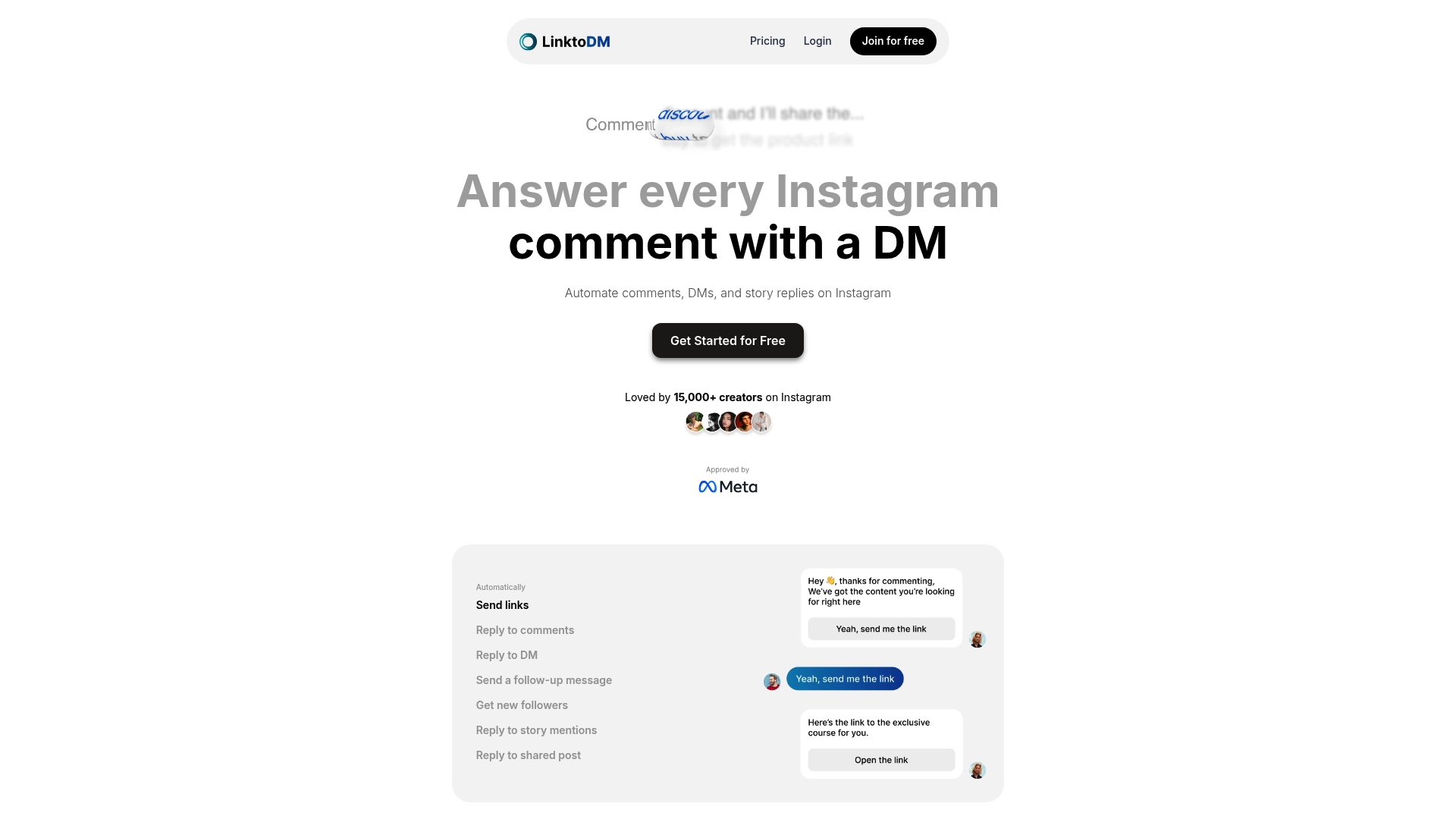
Explore how LinktoDM empowers creators and influencers with AI-powered auto-replies and pre-built templates designed specifically for Instagram story mention automation. Seamlessly configure engagement triggers and monitor mentions with advanced tracking tools that help you refine your messaging based on real user behavior. Start maximizing your growth potential right now—visit LinktoDM and experience automation tailored to your brand voice that drives real follower growth and meaningful interactions. Don’t wait to transform your Instagram workflow with trusted automation that works safely and effectively.
Frequently Asked Questions
How do I set up automated story mentions on Instagram?
To set up automated story mentions, start by connecting your Instagram account to an automation platform. Log in, authorize the app, and verify your account is connected to ensure it can read incoming story mentions.
What types of story mentions should I automate responses for?
Automate responses for story mentions that contribute to your engagement goals. For example, you can choose to respond to all mentions or only those containing specific keywords related to your promotions or campaigns.
How do I create effective reply templates for automated responses?
To create effective reply templates, keep your messages concise and authentic. Use personalization variables, like the person’s name, to make interactions feel genuine, such as saying, “Thanks for the love, [Name]!”
What metrics should I monitor to measure the impact of my automated story mentions?
Monitor metrics such as reply rates, click-through rates, and follower growth to gauge the impact of your automated story mentions. Review these metrics weekly to understand audience engagement patterns and adjust your strategy accordingly.
How can I test my automated response setup before going live?
Test your automated response setup by having a friend mention your account in their story. Confirm that your automated reply activates correctly and displays the desired personalization, ensuring everything functions smoothly before full rollout.

'%3e%3cpath%20d='M14.8156%200H1.18125C0.528125%200%200%200.515625%200%201.15313V14.8438C0%2015.4813%200.528125%2016%201.18125%2016H14.8156C15.4688%2016%2016%2015.4813%2016%2014.8469V1.15313C16%200.515625%2015.4688%200%2014.8156%200ZM4.74687%2013.6344H2.37188V5.99687H4.74687V13.6344ZM3.55938%204.95625C2.79688%204.95625%202.18125%204.34062%202.18125%203.58125C2.18125%202.82188%202.79688%202.20625%203.55938%202.20625C4.31875%202.20625%204.93437%202.82188%204.93437%203.58125C4.93437%204.3375%204.31875%204.95625%203.55938%204.95625ZM13.6344%2013.6344H11.2625V9.92188C11.2625%209.0375%2011.2469%207.89687%2010.0281%207.89687C8.79375%207.89687%208.60625%208.8625%208.60625%209.85938V13.6344H6.2375V5.99687H8.5125V7.04063H8.54375C8.85938%206.44063%209.63438%205.80625%2010.7875%205.80625C13.1906%205.80625%2013.6344%207.3875%2013.6344%209.44375V13.6344Z'%20fill='%23B1B1B1'/%3e%3c/g%3e%3cdefs%3e%3cclipPath%20id='clip0_6304_15414'%3e%3crect%20width='16'%20height='16'%20fill='white'/%3e%3c/clipPath%3e%3c/defs%3e%3c/svg%3e)

