




Over 80 percent of American Instagram creators cite audience interaction as their top growth driver. Yet, keeping up can quickly turn into a full-time job. As brands and content thrive on genuine connection, finding safe, scalable automation tools remains a top priority across North America. This guide will show you how to master effortless engagement using trusted methods, so you keep your American audience close while staying within platform rules.
Quick Summary
| Main Insight | Explanation |
|---|---|
| 1. Securely Integrate LinktoDM | Connect your Instagram to LinktoDM for automation while ensuring security by reviewing permissions. |
| 2. Create Personalized Templates | Develop engaging message templates using audience insights, ensuring they reflect your brand voice. |
| 3. Utilize AI for Auto-Replies | Implement AI-driven auto-replies to save time and improve audience interaction through personalized messaging. |
| 4. Monitor Performance Metrics | Track key metrics like engagement rates and response times to refine your automation strategy effectively. |
| 5. Continuously Optimize Workflows | Regularly analyze and adjust your automation processes to adapt to audience preferences and improve results. |
Step 1: Set up LinktoDM integration with your Instagram account
Connecting your Instagram account to LinktoDM unlocks powerful automation tools for seamless audience engagement. The process is straightforward and takes less than five minutes to complete.
To begin the integration, navigate to your LinktoDM dashboard and select the account connection option. You will need to grant LinktoDM specific permissions to interact with your Instagram profile. Connect your Instagram account requires logging into your Instagram credentials securely through the platform’s official authentication system. This ensures your account remains protected while enabling advanced messaging and interaction workflows.
During the connection process, carefully review the requested permissions. LinktoDM will ask to access your direct messages, profile information, and interaction capabilities. Accept these permissions strategically to maximize your automation potential without compromising account security. The platform uses advanced encryption to protect your account credentials and prevent unauthorized access.
Pro Tip: Always use a strong, unique password for your Instagram account and enable two factor authentication before integrating any third party automation tool.
Here’s a quick comparison of core LinktoDM automation features and their benefits:
| Feature | What It Does | Business Impact |
|---|---|---|
| Account Integration | Connects Instagram securely to LinktoDM | Enables automation, ensures safe access |
| Template Customization | Builds dynamic, personalized message templates | Increases authenticity, saves time |
| AI-Powered Auto-Replies | Sends instant responses using AI-driven logic | Boosts engagement, reduces manual effort |
| Analytics & Performance | Tracks KPIs and visualizes campaign metrics | Informs strategy, optimizes workflow |
| Workflow Optimization | Refines messaging and triggers based on results | Improves outcomes, keeps campaigns agile |
Step 2: Customize automated engagement templates for outreach
Creating compelling automated engagement templates helps you connect with your audience more efficiently and authentically. Your goal is to develop message templates that sound personal while saving significant time in your outreach process.
Start by analyzing your audience demographics and interaction patterns. Strategic communication design requires understanding the nuanced preferences of your specific Instagram community. Develop multiple template variations that reflect different engagement scenarios such as first contact messages, response to story mentions, comments on posts, and direct message interactions. Each template should sound natural and align with your personal brand voice.

Utilize LinktoDM’s template customization features to build dynamic message structures. Include personalization placeholders that automatically insert the recipient’s username or reference specific interaction context. This approach helps your automated messages feel more genuine and less robotic. Test different template versions and monitor their engagement metrics to continuously refine your approach.
Pro Tip: Create at least three template variations for each interaction type and rotate them periodically to maintain message freshness and prevent audience fatigue.
Step 3: Configure AI-powered auto-replies and follow-ups
AI-powered auto-replies transform your Instagram engagement strategy by providing instant, personalized interactions with your audience. This step will help you set up sophisticated messaging workflows that maintain your brand voice while saving valuable time.
Configuring auto-reply features requires strategic planning to ensure your automated messages feel authentic and responsive. Within LinktoDM, explore the AI template editor to create dynamic response structures that adapt to different interaction types. Design templates with conversational language that mimics your personal communication style. Include placeholders for personalization such as the recipient’s username, recent post references, or context-specific interaction triggers. These nuanced details help your automated messages feel more genuine and less like generic bot responses.
Utilize LinktoDM’s advanced follow-up sequencing to create intelligent message chains that progressively engage your audience. Set up conditional triggers that automatically send tailored messages based on user interactions like story views, comment types, or direct message content. This approach allows you to create sophisticated communication pathways that feel natural and spontaneous.
Pro Tip: Always include an option for users to connect with a human representative to maintain transparency and provide an escape from automated interactions.
Step 4: Monitor and analyze campaign performance
Tracking your Instagram automation campaign performance is crucial for understanding your outreach effectiveness and making data driven improvements. LinktoDM provides comprehensive analytics tools that help you measure the real impact of your automated engagement strategies.
Advanced performance monitoring techniques allow you to dive deep into meaningful metrics beyond surface level statistics. Focus on key performance indicators like engagement rate, response time, message conversion rates, and follower growth attributable to your automated workflows. LinktoDM’s dashboard offers visual representations of these metrics, enabling you to quickly identify which template variations and interaction strategies generate the most positive audience responses.
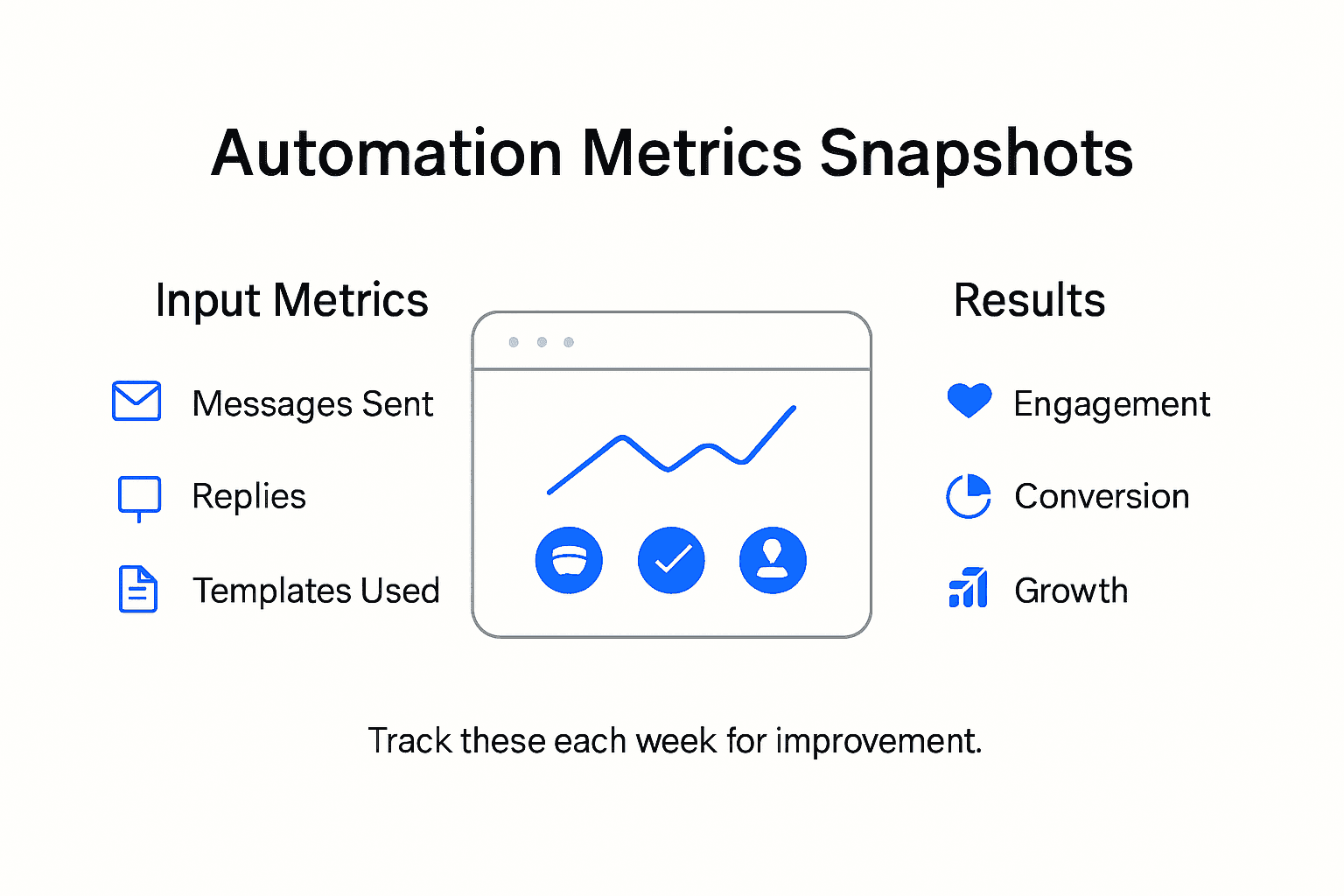
Utilize the platform’s machine learning insights to understand patterns in your audience interactions. The analytics tools help you recognize optimal messaging times, most effective template language, and specific content types that trigger higher engagement. By continuously analyzing these performance metrics, you can iteratively refine your automated outreach approach to create more targeted and resonant communication strategies.
Pro Tip: Schedule a weekly 30 minute review of your campaign analytics to make incremental optimizations and stay ahead of changing audience preferences.
The table below summarizes key metrics to monitor for Instagram automation success:
| Metric | Why It Matters | Example Benchmark |
|---|---|---|
| Engagement Rate | Measures audience interaction levels | Above 5% is strong |
| Average Response Time | Shows how quickly you reply | Under 1 hour |
| Message Conversion | Tracks conversions from DM campaigns | 10% is targeted |
| Follower Growth | Ties automation to audience expansion | +5% monthly |
Step 5: Refine automation workflows for better results
Continuous improvement is key to maintaining an effective Instagram outreach strategy. By systematically analyzing and adjusting your automation workflows, you can ensure your engagement remains dynamic and responsive to audience needs.
Designing reproducible and efficient workflow optimization requires a structured approach to iteration and validation. Start by establishing baseline performance metrics from your current automation setup. Experiment with small incremental changes in your template language, message timing, and interaction triggers. Pay close attention to how these modifications impact engagement rates, response quality, and follower interactions. LinktoDM provides granular insights that allow you to track the precise impact of each workflow adjustment.
Leverage the platform’s machine learning capabilities to automatically suggest workflow improvements. These intelligent recommendations can help you identify patterns in audience response that might not be immediately apparent. Focus on adapting your communication style to match audience preferences, testing different messaging approaches, and continuously refining your automation strategy. Remember that successful automation is not about creating static workflows but developing adaptive systems that evolve with your audience.
Pro Tip: Create a monthly workflow review checklist that systematically evaluates performance metrics, audience feedback, and potential optimization opportunities.
Elevate Your Instagram Outreach with Seamless Automation
The challenge of executing authentic, timely, and scalable Instagram engagement described in the article is real for many influencers striving to grow their presence without burning out. You want to connect deeply with your audience through personalized messages, quick replies, and smart follow-ups, yet managing this manually demands too much time and energy. Concepts like AI-powered auto-replies, dynamic template customization, and performance analytics are essential, but implementing them effectively requires the right tool.
LinktoDM offers the ideal solution tailored to these pain points. Our platform specializes in automated Instagram engagement designed specifically for creators and influencers aiming to boost follower connections while saving hours daily. With advanced features such as AI-driven responses and customizable messaging workflows, you maintain authenticity without sacrificing efficiency. Plus, our comprehensive analytics empower you to refine your strategy continuously.
See how easy it is to transform your Instagram outreach strategy with LinktoDM. Automate your replies to comments, story interactions, and direct messages safely while leveraging pre-built templates that sound natural and personal. Our platform is built to grow with you, securing your account and elevating your engagement metrics.
Ready to automate your Instagram outreach and grow your influence with confidence?
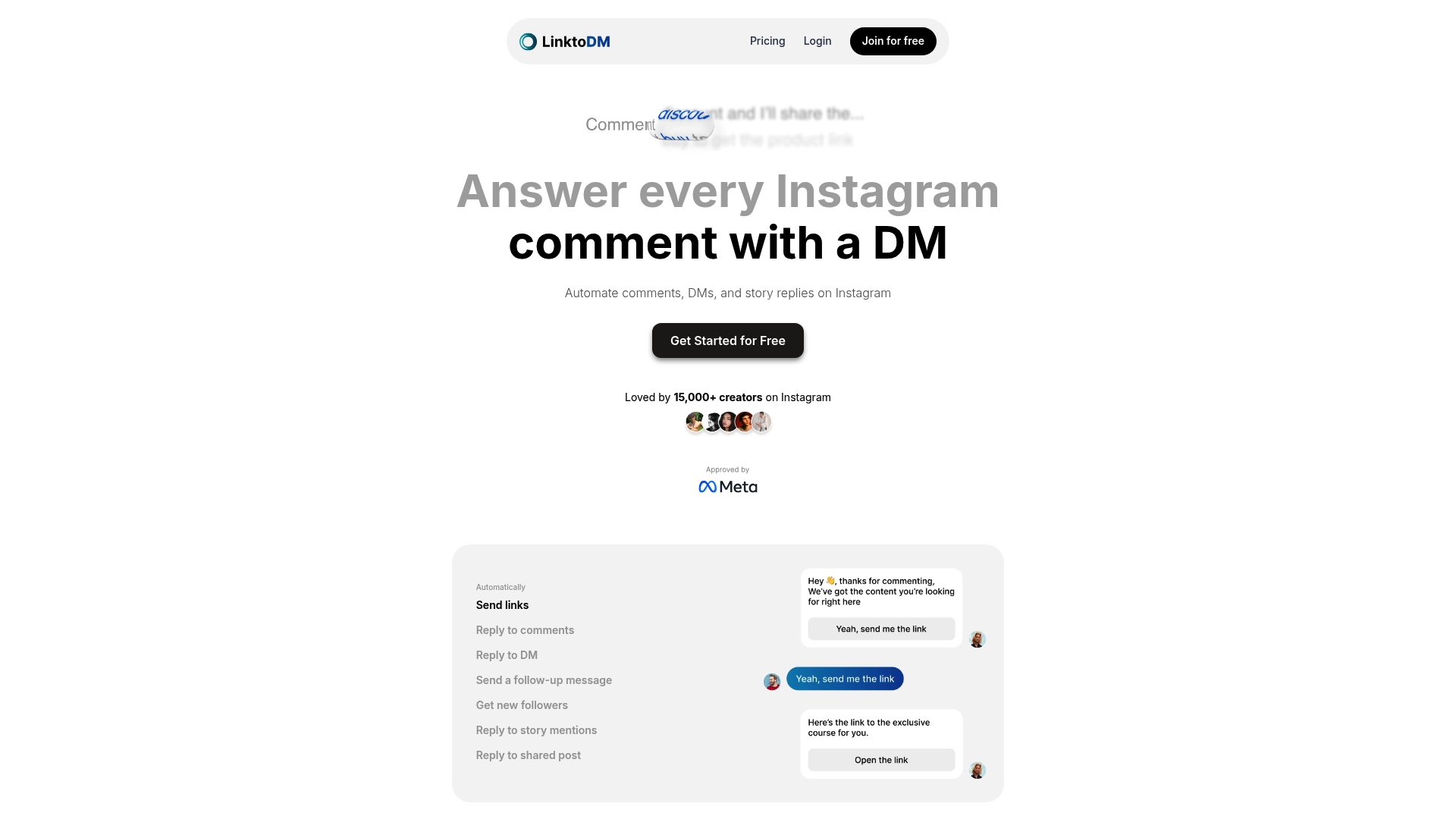
Explore the full potential of automated Instagram engagement now by visiting LinktoDM. Start your hassle-free journey to increased followers and deeper audience connections today.
Frequently Asked Questions
How do I connect my Instagram account to automate outreach through LinktoDM?
To connect your Instagram account, log into your LinktoDM dashboard and select the account connection option. Ensure you grant the necessary permissions to enable automation features, keeping your account secure throughout the process.
What types of automated engagement templates can I create for my Instagram outreach?
You can create templates for various engagement scenarios, such as first contact messages, responses to story mentions, and comments on posts. Develop at least three variations for each type to keep your outreach fresh and engaging over time.
How can AI-powered auto-replies enhance my Instagram outreach efforts?
AI-powered auto-replies allow for instant, personalized responses to your audience, improving engagement efficiency. Configure these auto-replies to mimic your personal communication style and include placeholders for personalization, such as the recipient’s username.
What key metrics should I monitor to assess the effectiveness of my Instagram automation campaign?
Focus on metrics like engagement rate, average response time, message conversion rates, and follower growth. Regularly track these metrics to understand your campaign’s performance and identify opportunities for improvement.
How often should I review and refine my automation workflows for better results?
Schedule a monthly review of your automation workflows to analyze performance metrics and audience feedback. Incrementally test changes in messaging and timing, adapting your strategies based on the insights you gather to enhance your outreach effectiveness.

'%3e%3cpath%20d='M14.8156%200H1.18125C0.528125%200%200%200.515625%200%201.15313V14.8438C0%2015.4813%200.528125%2016%201.18125%2016H14.8156C15.4688%2016%2016%2015.4813%2016%2014.8469V1.15313C16%200.515625%2015.4688%200%2014.8156%200ZM4.74687%2013.6344H2.37188V5.99687H4.74687V13.6344ZM3.55938%204.95625C2.79688%204.95625%202.18125%204.34062%202.18125%203.58125C2.18125%202.82188%202.79688%202.20625%203.55938%202.20625C4.31875%202.20625%204.93437%202.82188%204.93437%203.58125C4.93437%204.3375%204.31875%204.95625%203.55938%204.95625ZM13.6344%2013.6344H11.2625V9.92188C11.2625%209.0375%2011.2469%207.89687%2010.0281%207.89687C8.79375%207.89687%208.60625%208.8625%208.60625%209.85938V13.6344H6.2375V5.99687H8.5125V7.04063H8.54375C8.85938%206.44063%209.63438%205.80625%2010.7875%205.80625C13.1906%205.80625%2013.6344%207.3875%2013.6344%209.44375V13.6344Z'%20fill='%23B1B1B1'/%3e%3c/g%3e%3cdefs%3e%3cclipPath%20id='clip0_6304_15414'%3e%3crect%20width='16'%20height='16'%20fill='white'/%3e%3c/clipPath%3e%3c/defs%3e%3c/svg%3e)

